

Table of Contents
- Why Local Is Suddenly Viable
- Memory First, Everything Else Second
- 8GB and Below: Laptops
- 16GB: The Practical Baseline
- 24GB: The Enthusiast Sweet Spot
- 48GB and Above: Workstations
- The Six Families That Matter
- Quick Reference by Tier
- A Note on Apple Silicon
- Quantisation, Briefly
- What Local Models Still Do Badly
- Local vs a Paid Subscription
- Five Things to Set Up After Installing
- Five Mistakes People Make
- Getting Started This Evening
- Frequently Asked Questions
- Final Thoughts
Two years ago, running a model on your own machine was a hobby with a quality penalty you had to pretend not to notice. That is no longer true, and the shift happened quietly enough that a lot of people have not updated their assumptions.
A capable local LLM now handles summarising, extraction, classification and drafting at a standard that would have been frontier-level not long ago. It runs with no usage limits, no per-token cost, and no data leaving your machine.
The catch is that choosing one is genuinely confusing, because the answer depends almost entirely on a number most people have never had to think about.
Why a Local LLM Is Suddenly Viable
Three things converged.
Open-weight models got good. The gap between the best open models and the best hosted ones narrowed considerably, particularly on the everyday tasks that make up most real use.
Small models got disproportionately better. Models in the 3-8 billion parameter range improved faster than the large ones, which is exactly the range that fits on ordinary hardware.
The tooling stopped being painful. Running a local LLM is now a one-line install and a model download rather than a weekend of dependency management.
The result is that a laptop from the last few years can run something genuinely useful, and a desktop with a decent graphics card can run something that competes with paid subscriptions for a large share of daily work.
Choosing a Local LLM: Memory First
The whole framework for choosing a local LLM is this: pick by memory, then by task.
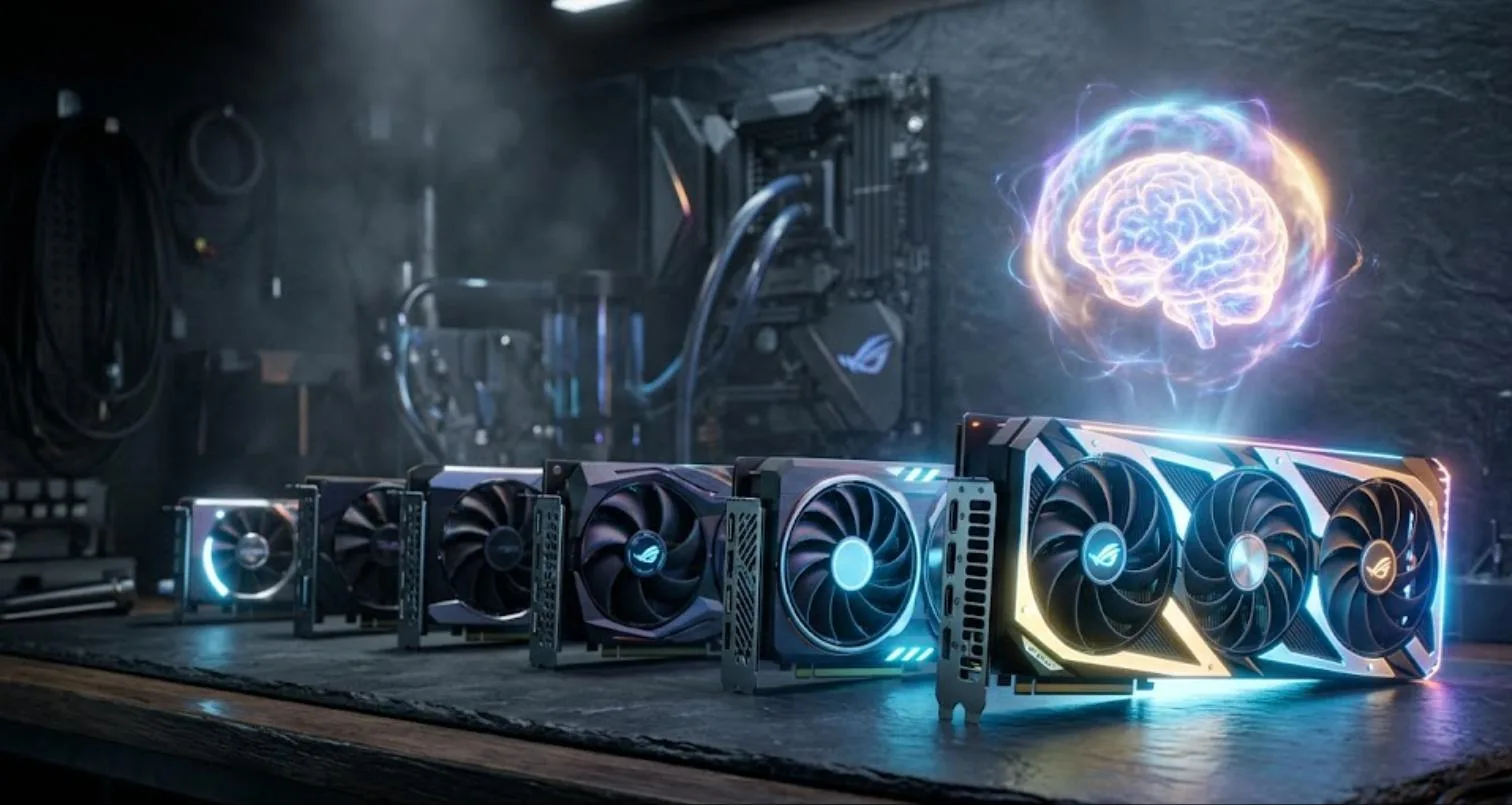
A model has to fit in memory to run at reasonable speed. On a machine with a discrete graphics card that means VRAM. On an Apple Silicon Mac, memory is unified, so your system RAM is effectively the budget – which is why Macs punch above their weight for this.
If a model does not fit, it spills into system memory and slows to the point of being unusable. So the sequence is: find out how much you have, choose the tier, then pick within it based on what you actually do.
Everything else – benchmark scores, parameter counts, architecture – is secondary to that constraint.
Best Local LLM for 8GB and Below
The tightest tier, and still genuinely usable.
Gemma 3 4B is the sensible starting point on an 8GB machine. Good general capability, comfortable footprint, and it leaves room for your other applications to keep running.
Phi-4-mini (3.8B) is the alternative when memory is really tight. It punches above its size on reasoning and instruction-following, and it is the practical choice for developers with 8GB or less.
What works well here: summarising, rewriting, classification, extraction, simple question answering.
What does not: long documents, complex multi-step reasoning, and reliable tool calling. Expect to reach for a hosted model when the task gets hard.
Best Local LLM for 16GB
The tier where a local LLM stops feeling like a compromise for most everyday work.
Llama 3.3 8B is the broad-capability default. Well-supported, predictable, good at following instructions.
Mistral Small 3 7B is the throughput choice – noticeably fast, which matters more for daily use than most people expect. A model that answers in two seconds gets used; one that takes twenty does not.
Qwen 3 7B is the stronger pick if your work is code-heavy or multilingual, at the same hardware tier.
At 16GB you can also run larger models with aggressive quantisation, though the quality trade is real. Generally a well-fitted smaller model beats a squeezed larger one.
Best Local LLM for 24GB
A single 24GB card is where local genuinely competes with paid subscriptions for most tasks.
Qwen3 32B is the strongest general-purpose default at this tier. If you install one model and stop reading, install this.
Gemma 3 27B is the better fit when vision or multimodal work matters – reading screenshots, describing images, working with documents visually.
Qwen3 30B-A3B deserves particular attention. It is a mixture-of-experts model: 30 billion total parameters but only around 3 billion active per token. In practice that means it runs fast on a 24GB card while performing well above what its active size suggests. For anyone weighing speed against quality, this architecture is the most interesting development in the local LLM space.
Best Local LLM for 48GB and Above
Serious hardware, and the tier where local output becomes hard to distinguish from hosted models on most tasks.
Llama 3.3 70B is the default choice. Broad, reliable, extensively supported by tooling.
DeepSeek-R1 Distill 70B is the specialist option for reasoning-heavy work – maths, logic, multi-step analysis where the chain matters more than the prose.
Worth being honest about cost here. Reaching 48GB usually means either multiple cards or a high-memory Apple Silicon machine, and either is a significant purchase. The break-even against a subscription is measured in years, not months – which is fine if privacy or unlimited usage is the actual motivation, and poor value if you are chasing savings.
The Six Families That Matter
Ignore the long tail. Six local LLM families cover the ground.
Qwen — the safest all-round default, strong at code and multilingual work.
DeepSeek — the pick for logic-heavy and reasoning tasks.
Mistral, strong for code-first setups and fast throughput.
Llama, the easy starting point with the widest tooling support.
Gemma, good multimodal capability, efficient at small sizes.
Phi, the small-hardware specialist, unusually capable for its footprint.
All of them are available on Hugging Face. Each ships in several sizes. Pick the family for your task, then the size for your memory.
Quick Reference by Tier
| Memory | Default pick | Alternative | Realistic use |
|---|---|---|---|
| 8GB or less | Gemma 3 4B | Phi-4-mini 3.8B | Summarising, extraction, classification |
| 16GB | Llama 3.3 8B | Mistral Small 3 7B / Qwen 3 7B | Daily assistant work, drafting, code help |
| 24GB | Qwen3 32B | Gemma 3 27B / Qwen3 30B-A3B | Most tasks, competitive with subscriptions |
| 48GB+ | Llama 3.3 70B | DeepSeek-R1 Distill 70B | Reasoning, long context, production work |
A Note on Apple Silicon
Worth its own section because the usual VRAM framing misleads people here.
On a machine with a discrete graphics card, your model has to fit in the card’s dedicated memory, and that number is usually modest. Apple Silicon uses unified memory, so the whole system pool is available – which means a Mac with 32GB can comfortably run models that would otherwise require an expensive dedicated card.
The practical consequence is that a well-specified Mac is one of the easiest routes into running a local LLM seriously. A 32GB machine sits comfortably in the 24GB tier described above; a 64GB machine reaches into the workstation tier without a separate GPU purchase.
Two caveats. Memory is shared with everything else you are running, so the usable budget is less than the headline number – leave several gigabytes for the operating system and your applications. And raw generation speed on very large models still trails a dedicated high-end card, though for most interactive use the difference is smaller than the specifications suggest.
If you are choosing hardware specifically to run a local LLM and are not already committed to one platform, memory capacity should weigh more heavily than almost any other specification.
Quantisation, Briefly
Quantisation compresses a local LLM’s weights so it fits in less memory. You will see labels like Q4 and Q8 – lower numbers mean smaller and faster with more quality loss.
The practical guidance is simple. Q4 is the standard working point for most people; the quality loss is modest and the memory saving is large. Q8 or higher if you have memory to spare and want maximum fidelity. Below Q4 only if it is the only way a model fits, and expect noticeable degradation.
A useful rule when choosing: a larger model at Q4 usually beats a smaller model at Q8 at the same memory footprint. But a model that does not fit at all beats nothing, so respect the ceiling.
What a Local LLM Still Does Badly
Worth stating plainly, because enthusiasm in this space tends to overreach.
Complex multi-step reasoning. The gap with frontier hosted models is still real on genuinely hard problems.
Reliable tool calling. Local models are noticeably better at summarising and classifying than at deciding which tool to invoke and formatting the call correctly. If you are building agents, test carefully before committing.
Very long context. Supported context lengths have grown, but quality across a very long input degrades faster than with hosted models.
Speed on large models. A 70B model on consumer hardware is usable, not snappy. That matters more for daily use than benchmark scores do.
The honest framing: a local LLM handles perhaps eighty percent of everyday tasks well, and you keep a hosted model for the rest. Most people who run local successfully use both.
Local vs a Paid Subscription: The Honest Maths
The case for a local LLM is usually made on cost, which is the weakest version of the argument.
A mid-range graphics card capable of the 24GB tier costs roughly what two or three years of a consumer AI subscription costs. If you already own suitable hardware, local wins immediately. If you are buying specifically for this, the payback period is long enough that cost should not be your deciding factor.
The stronger arguments are the other three.
No usage limits. If you have repetitive work – classifying a thousand records, summarising a hundred documents – a local LLM does it without watching a quota. That workload would burn a daily allowance in twenty minutes on a hosted tier.
Genuine privacy. Not a policy commitment that could change, but a technical property. For client work, confidential documents or anything under an agreement, this is often the only defensible option.
It keeps working. No API deprecation, no pricing change, no model retirement. The weights are files on your disk. Given how many products have been discontinued in this space recently, that stability has real value.
If none of those three matter to you, a subscription is probably the better choice and there is no shame in that conclusion.
Five Things to Set Up After Installing
Getting a local LLM running is the easy part. These five make it something you actually use.
1. A system prompt you like. Most runners let you set a default. Without one you get a chatty assistant that over-explains. Two lines specifying tone and brevity changes the experience considerably.
2. Sensible context length. Longer context uses more memory. If you are hitting limits, reducing this is often the difference between a model fitting comfortably and swapping to disk.
3. A second, smaller model. Keep a fast small model alongside your main one for quick tasks. Switching between them takes seconds and saves a lot of waiting.
4. An editor or terminal integration. A local LLM you have to open a separate app to use gets forgotten. One reachable from where you already work gets used daily.
5. Somewhere to keep prompts. The same prompt library discipline that helps with hosted models applies here, and it transfers between them.
Five Mistakes People Make
1. Downloading the largest model that technically fits. A model filling 95% of your memory leaves nothing for context and runs slowly. Leave headroom.
2. Judging on benchmarks rather than use. Benchmark rankings correlate loosely with whether a local LLM is good at your particular work. A week of real tasks tells you more.
3. Expecting parity on hard problems. Set the expectation correctly and you will be pleased. Expect a frontier replacement and you will be disappointed within an hour.
4. Installing six models immediately. Disk fills, you never learn any of them properly, and you cannot attribute a bad answer to anything.
5. Ignoring speed. Response time affects daily use more than quality does past a certain threshold. A model that answers in two seconds gets used constantly; one that takes thirty gets abandoned regardless of how good its answers are.
Running Your First Local LLM Tonight
- Find your memory. VRAM on a discrete GPU, unified memory on Apple Silicon. This is your budget.
- Install a runner. Ollama is the common choice and takes a couple of minutes. LM Studio is the friendlier option if you would rather avoid the terminal.
- Pull the default for your tier from the table above. One model, not five.
- Use it for a week on real work. Not benchmarks – actual tasks you would otherwise send to a hosted model.
- Note where it fails. That list tells you whether to upgrade hardware, change model family, or simply keep a hosted model for those cases.
Once it works, the interesting step is wiring it into things. A local model connected to your own documents or automations is where the value compounds – our guides to retrieval-augmented generation and n8n AI agents both cover setups that run entirely on your own hardware.
Frequently Asked Questions
Do I need a graphics card?
Not strictly. Small models run on CPU, slowly. A GPU or Apple Silicon makes the difference between usable and frustrating.
Is a local LLM as good as a hosted one?
At the 24GB tier and above, close enough for most everyday tasks – our comparison of the latest AI models covers the hosted side. On genuinely hard reasoning, hosted frontier models still lead.
Are Macs good for this?
Yes, unusually so. Unified memory means a Mac with 32GB or more can run models that would need an expensive graphics card otherwise.
What does it cost to run?
Electricity, and the hardware you already own. No per-token cost and no usage limits, which is the main appeal alongside privacy.
Can I use these commercially?
Usually yes, though licences differ by family and some have conditions at scale. Check the specific model licence rather than assuming.
How often should I switch models?
Every six months or so is plenty. Chasing every release costs more time than the quality difference is worth.
Should I use this for sensitive data?
This is the strongest argument for running locally. The data provably never leaves your machine, which is a technical fact rather than a policy promise.
Final Thoughts
The useful mental shift is that a local LLM is not a replacement for hosted models – it is a different tool with different properties. Unlimited, private, free at the margin, and somewhat weaker on the hardest problems.
For repetitive work that would burn through a daily allowance, for anything touching confidential material, and for the pleasant fact that nothing you type is sent anywhere, it is genuinely compelling.
Check your memory. Install the default for your tier. Use it for a week before forming an opinion. That is a considerably better approach than reading benchmark tables for an evening.
Once you have picked a model, running a local AI agent covers the tool-calling side.
Related tooling: Pinokio installs local AI apps without touching a terminal, and GLM-5.3-Flash is the MIT-licensed open-weight model worth testing against anything you run locally.
[…] VRAM any of this needs? That’s the prior question, and it’s covered in our guides to best local LLMs and how much VRAM you […]
[…] models specifically. Ollama and LM Studio already solve that with less indirection, and our best local LLMs guide covers that path. Pinokio’s strength is the long tail of research projects that ship as […]
[…] diffusion pipelines for images and video. Most people doing serious local work run both, and our best local LLMs guide covers the text […]