

This buying guide is built from published price surveys, retailer tracking and GPU rental indexes from October and November 2026. I have not tested these cards myself, prices move daily, and every figure is attributed to the survey that reported it. Links in the buying table are ordinary retailer links for now.
The honest Black Friday GPU advice for 2026 is that there probably will not be a Black Friday GPU deal worth chasing at the high end. Graphics cards were averaging 44% above their launch prices across ten countries in TechSpot’s latest survey, and the cheapest in-stock RTX 5090 in the US was listed at $9,400 against a $1,999 MSRP.
That does not mean you should give up on running AI locally. It means you should shop differently. For most people who want to run open models at home, the smarter Black Friday GPU move this year is a mid-range card bought close to list price, a carefully checked used card, or renting the expensive card by the hour. Here are seven picks, with the numbers behind each one.
Table of Contents
- Why the 2026 Black Friday GPU Market Is Broken
- What Local AI Needs From a Black Friday GPU
- Pick 1: Skip the RTX 5090 This Black Friday
- Pick 2: A Used RTX 3090 as Your Black Friday GPU
- Pick 3: The RX 9070 XT as the Least-Inflated Black Friday GPU
- Pick 4: The RTX 5070 Ti as a CUDA Black Friday GPU
- Pick 5: A 12 GB Card to Learn On
- Pick 6: Rent a 4090 or 5090 Instead of a Black Friday GPU
- Pick 7: Rent Data-Centre GPUs for Big Jobs
- The Hidden Costs Around a New Card
- Black Friday GPU Shopping Tactics That Still Work
- Which Black Friday GPU Option Fits You
- FAQ About Black Friday GPU Deals
- Verdict
- Sources and Further Reading

Why the 2026 Black Friday GPU Market Is Broken
The cause is memory, not graphics chips. A global shortage of DRAM and GDDR7, driven by demand from AI data centres, has pushed up the cost of the memory that goes on every graphics card. Prices started rising after Black Friday 2025 and have not stopped since.
TechSpot’s fourth-quarter survey, as reported by TweakTown on 3 November, puts the scale in plain numbers.
| Card | US MSRP | Cheapest US in stock | Above MSRP |
|---|---|---|---|
| RTX 5090 | $1,999 | $9,400 | About 370% |
| RTX 5080 | $999 | $2,200 | 120% |
| RTX 5070 Ti | $749 | $1,250 | 67% |
| RX 9070 XT | $599 | $870 | 45% |
The trend is what worries me. The cheapest RTX 5090 in the US went from $3,500 in February to $6,890 in September and $9,400 in October, a 36% jump in a single month. Across the ten countries tracked, average card prices rose 11% in a month and about 35% over three months. European buyers are seeing the same: Guru3D reported German street prices for the 5090 above €5,000.
Tom’s Hardware made the key point for Black Friday GPU shoppers: this generation has seen almost no meaningful below-MSRP discounts in major sales such as Black Friday or Prime Day. Retailers can sell everything they have without discounting. Do not expect this year to be different.
What Local AI Needs From a Black Friday GPU
Before you pick a card, be clear on what matters for running models. For gaming, raw speed matters most. For local AI, memory capacity is the hard limit. A model either fits in your card’s VRAM or it does not, and a slower card that fits the model beats a faster one that does not.
As a rough guide, 12 GB runs small models comfortably and mid-size ones with heavy quantisation. 16 GB handles most models in the 14B to 20B range at 4-bit. 24 GB is the sweet spot that fits 27B to 35B models at 4-bit, which is where open models start to feel genuinely capable. Beyond that you are into multi-GPU builds or server hardware.
Our guide to the best local LLMs matches specific models to VRAM tiers, and it is worth reading before you spend anything. If you mostly want image generation, the requirements are different again, as our ComfyUI guide explains.
Pick 1: Skip the RTX 5090 This Black Friday
The RTX 5090 is a superb card with 32 GB of fast memory. At $9,400 it is also the worst value in computing. That is nearly five times its list price, and for that money you could rent an RTX 5090 in the cloud for thousands of hours.
Even if you see a 5090 “deal” on Black Friday at, say, $6,000, that is still triple MSRP. Unless you are earning money from the card every day, skip it. If you need 5090-class performance for a project, rent it (see pick six) and revisit buying when the memory shortage eases.
Pick 2: A Used RTX 3090 as Your Black Friday GPU
For years the standard advice for local AI was simple: buy a used RTX 3090. It has 24 GB of VRAM, mature CUDA support and, until recently, sold for well under $1,000. Many guides still quote $600 to $900.
That number is out of date. A September 2026 analysis by OpenClaw DC found the average used 3090 on eBay US at about $1,463, almost exactly its $1,499 launch price from 2020. AI Indigo listed $1,199 on 1 October. The rush of buyers priced out of new cards has pushed used prices up with them.
It can still make sense. A used 3090 fits the same models as a 5090 up to around 32B at 4-bit, for a fraction of today’s 5090 price. But inspect carefully: ask for a stress-test video, check the memory temperatures, and treat any listing far below the market as a red flag. A dead card at a bargain price is the most expensive Black Friday GPU purchase you can make.
Pick 3: The RX 9070 XT as the Least-Inflated Black Friday GPU
Of the current cards in TechSpot’s survey, AMD’s RX 9070 XT had the smallest markup, at about 45% above its $599 MSRP, with the cheapest US listing at $870. It has 16 GB of VRAM, which covers most mid-size models at 4-bit.
The catch for AI is software. AMD’s ROCm stack has improved a lot, and llama.cpp and Ollama both support AMD cards, but some tools still assume NVIDIA. If you mainly run chat models through Ollama or LM Studio, the 9070 XT is a reasonable Black Friday GPU pick. If you rely on niche CUDA-only projects, check compatibility first.
Pick 4: The RTX 5070 Ti as a CUDA Black Friday GPU
If you want NVIDIA’s ecosystem without paying 5080 or 5090 prices, the RTX 5070 Ti is the logical stopping point. TechSpot found it at $1,250 in the US, 67% above its $749 MSRP. That is a painful markup, but it buys you 16 GB and full CUDA support.
Be honest about whether 16 GB is enough. It runs most 14B to 20B models well and handles image generation comfortably. It will not fit the 27B to 35B models that make local AI feel close to the cloud. If those are your target, a used 24 GB card or renting may serve you better than a new 16 GB one.
Pick 5: A 12 GB Card to Learn On
If you are new to local AI, do not start with a four-figure purchase. A 12 GB card such as an RTX 3060 has historically sold for around $300 used, according to MindStudio’s tracking, and it is enough to learn the tools, run small models and find out whether local AI fits your work at all.
Prices on older cards have crept up with everything else, so check current listings. But the principle holds: spend a little to learn, then spend more once you know what you actually need. Tools like Pinokio make it easy to try a range of apps on a modest card before you commit.
Pick 6: Rent a 4090 or 5090 Instead of a Black Friday GPU
This is the pick most people overlook, and in 2026 it is often the smartest one. GetDeploying’s tracking shows a median on-demand price for an RTX 4090 of $0.50 per hour across 18 providers as of 13 November, with the cheapest verified in-stock listing at $0.33. RunPod listed the RTX 5090 at $0.99 an hour on its Secure Cloud in September.
Do the arithmetic. The gap between a $9,400 RTX 5090 and its $1,999 MSRP is about $7,400. At $0.99 an hour, that premium alone buys roughly 7,500 hours of a rented 5090, which is several years of evenings and weekends. For bursty use, renting wins by a mile.
Renting has trade-offs. You need a reliable connection, you pay for storage, and sensitive data leaves your machine. But for experiments, fine-tuning runs or a weekend of video generation, it is far cheaper than buying at today’s prices.
Pick 7: Rent Data-Centre GPUs for Big Jobs
For the largest open models, no consumer card is enough. That is where data-centre GPUs come in. AIMultiple’s index puts the November on-demand median for an H100 at $3.92 per GPU-hour, with the A100 at $1.94 and the L40S at $1.60. Marketplace providers can go lower, and hyperscalers are usually much higher.
Renting an H100 for a few hours to test a large model like Kimi K3.1 Pro or Mistral Large 4 makes far more sense than any home build. Our guide to LLM inference servers covers how to get vLLM or SGLang running quickly on rented hardware, so you are not paying for idle setup time.
The Hidden Costs Around a New Card
The sticker price is not the whole bill. A high-end card can draw several hundred watts, so check that your power supply has the wattage and the right connectors before you buy. Many people discover on unboxing day that a new card also needs a new PSU, which adds a real cost to any Black Friday GPU upgrade.
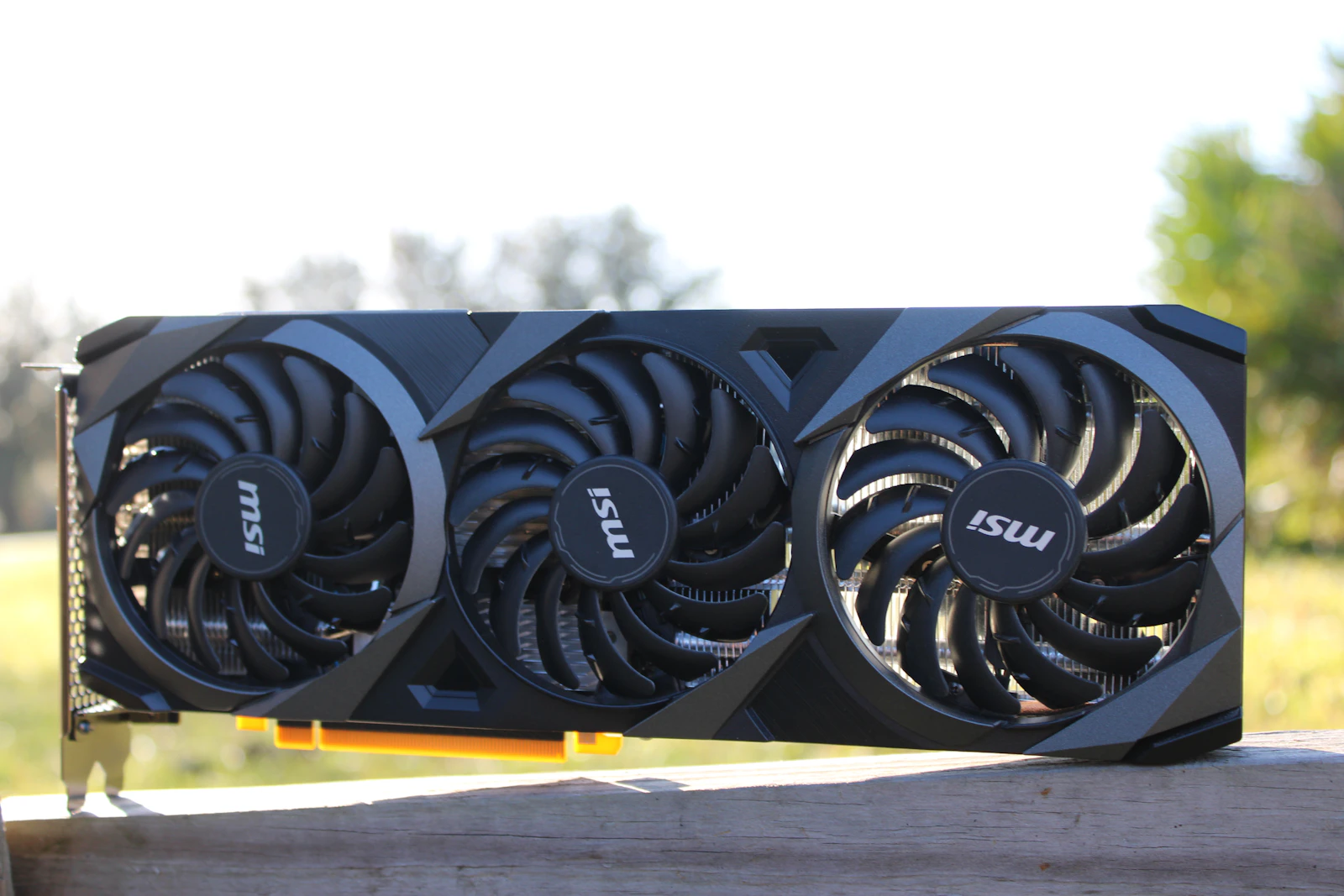
Size matters too. Modern three-fan cards are long and thick, and some will not fit smaller cases. Measure the space and compare it with the card’s listed length.
Then there is electricity. Running a large model for hours a day on a power-hungry card shows up on the bill, especially in Europe. Undervolting, which many local AI users do with 3090s, cuts power draw with only a small loss in speed. Factor all of this in when comparing a purchase with cloud rental, where power and cooling are already in the hourly price.
Black Friday GPU Shopping Tactics That Still Work
Deep discounts are unlikely, but you can still avoid overpaying.
Track the price before the sale. Retailers sometimes raise prices in the weeks before Black Friday so the “discount” looks bigger. Note today’s price for the card you want and compare on the day.
Watch for restocks at list price. Some retailers occasionally release stock at or near MSRP. These sell out in minutes, so price alerts matter more than browsing.
Use price protection where it exists. Some retailers will refund the difference if the price drops within a set period after purchase. Check the policy before you buy.
Consider a prebuilt. System builders sometimes bundle cards at better effective prices than the card alone, especially around sales. Compare the full system price against buying parts.
Keep the receipt and the box. Return windows are often extended over the holidays, which gives you time to test the card properly.
Which Black Friday GPU Option Fits You
| If you are | Start with | Why | Link |
|---|---|---|---|
| New to local AI | A 12 GB card or a few hours of cloud rental | Learn what you need before spending big | Check price |
| Running 27B to 35B models at home | A carefully checked used RTX 3090 | 24 GB for far less than any new 24 GB card | Check price |
| Wanting a new card on a budget | RX 9070 XT | Smallest markup in TechSpot’s survey, 16 GB | Check price |
| Needing CUDA and a warranty | RTX 5070 Ti | 16 GB with full NVIDIA support | Check price |
| Doing occasional heavy jobs | Rent an RTX 4090 or 5090 | About $0.50 to $1 an hour against a $9,400 card | Check price |
| Testing the largest open models | Rent an H100 | No consumer card fits them | Check price |
If you already own a decent card, the best Black Friday GPU purchase may be no GPU at all. More system RAM, a faster SSD for loading models, or simply a better cooler can make a real difference for less money, though memory prices are high too.
Related on this site: for more context, see Vera Rubin Is Shipping and Muse Glimmer.
FAQ About Black Friday GPU Deals
Will there be good Black Friday GPU deals in 2026?
Probably not at the high end. Prices are well above MSRP because of the memory shortage, and Tom’s Hardware notes this generation has seen few meaningful below-MSRP discounts in major sales. Mid-range cards are the most likely to see modest offers.
When is Black Friday 2026?
Friday 27 November 2026, the day after US Thanksgiving. Many retailers start their sales earlier in the week.
Why are GPUs so expensive right now?
A shortage of DRAM and GDDR7 memory, driven by AI data-centre demand, has raised the cost of building graphics cards. Memory makes up a large share of a modern card’s cost.
Is a used RTX 3090 still worth it for AI?
It can be, but it is no longer cheap. Recent eBay averages are around $1,200 to $1,450. It still offers 24 GB of VRAM for much less than a new 24 GB or 32 GB card.
Is renting a GPU cheaper than buying one?
For occasional use, almost always in 2026. An RTX 4090 rents for a median of about $0.50 an hour, so even hundreds of hours a year cost far less than buying a high-end card at current prices.
How much VRAM do I need for local AI?
12 GB to start, 16 GB for most mid-size models, and 24 GB for the 27B to 35B models that come closest to cloud quality. Capacity matters more than speed.
Verdict
Do not chase a high-end Black Friday GPU deal this year. With RTX 5090 listings at nearly five times MSRP and average cards 44% over list, the smart move for local AI is a mid-range card near list price, a well-checked used 24 GB card, or renting the expensive hardware by the hour.
The caveat is that this market moves weekly, and a retailer could surprise everyone with a genuine MSRP restock or a bundle deal. If you see a card at or close to its launch price, that is the deal, whatever the sticker says about discounts.
Your next step: decide which model size you want to run, look up the VRAM it needs in our best local LLMs guide, and spend an evening on a rented card of that size first. If you use it every day for a fortnight, buy. If you do not, keep renting.
Sources and Further Reading
- TweakTown on TechSpot’s Q4 survey, for current prices against MSRP and the month-on-month trend
- Tom’s Hardware GPU price tracker, for the lack of below-MSRP sale discounts this generation
- Guru3D, for European RTX 5090 street prices
- GetDeploying’s RTX 4090 tracker, for median and lowest rental prices per hour
- AIMultiple’s GPU rental index, for H100, A100 and L40S on-demand medians
On this site, start with best local LLMs to size your hardware, then see what to run on it in local AI agents and ComfyUI in 2026. For serving on rented GPUs, read LLM inference servers compared.