

Table of Contents
- Why Run a Local AI Agent At All
- The Honest Local AI Agent Trade-Offs
- Local AI Agent Hardware: What You Actually Need
- The Best Models for a Local AI Agent
- Setting Up Ollama for a Local AI Agent
- The Local AI Agent Loop
- Writing Tools Small Models Can Handle
- Getting Usable Quality From 8B Models
- The Hybrid Pattern Most People End Up With
- 4 Local AI Agent Builds Worth Making First
- Speed, Context and What Slows You Down
- Giving a Local AI Agent Permission to Act
- 6 Mistakes Building a Local AI Agent
- Frequently Asked Questions
- Verdict
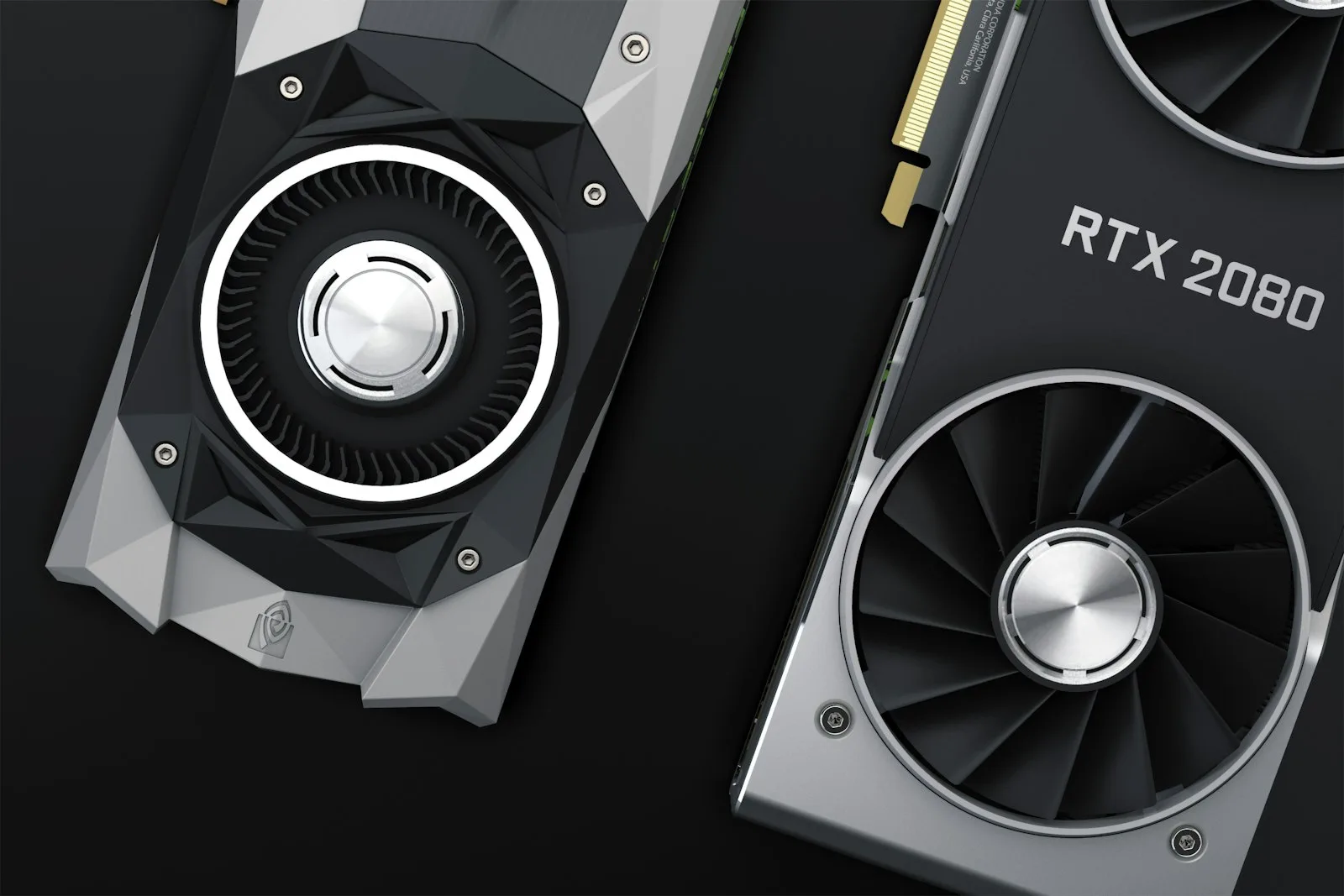
A local AI agent runs the same loop as a cloud one. Same tool calls, same message list, same failure modes. The model is the only thing that changes, and that single change decides everything about how you have to write the rest.
Small models forget instructions faster, invent tool arguments more often, and give up on multi-step tasks earlier. None of that makes them unusable. It makes them demanding in specific, predictable ways, and the whole craft of local agents is knowing which ways.
Why Run a Local AI Agent At All
Three reasons hold up, and one does not.
Privacy that is structural. Not a policy you are trusting, a property of where the data is. For client work under confidentiality agreements, health records or anything you cannot legally send to a third party, a local AI agent is often the only defensible option.
No metered bill. Agents are token-hungry because every turn resends the accumulated history. An agent that runs continuously is exactly the workload where per-token pricing stings and owned hardware wins.
It keeps working. No deprecation notice, no pricing change, no rate limit at the wrong moment. The model on your disk in 2026 behaves identically in 2029.
The reason that does not hold: cost, in the short run. A capable GPU costs more than a year of moderate API use. Local wins on economics only at sustained volume, or when privacy makes the comparison irrelevant.
The Honest Local AI Agent Trade-Offs
What you give up, stated plainly, because most guides skip this part.
An 8B model is not a frontier model. It handles a two-tool task cleanly and starts to wobble at five. It follows a well-written instruction and drifts from a vague one. It will occasionally call a tool with an argument it invented, which a frontier model does less often.
You also inherit operations. Model updates, quantisation choices, VRAM management and a machine that has to be on. That is a real cost measured in your attention.
What you get back is a system nobody can change from underneath you. For plenty of use cases that is worth more than the raw capability difference.
Local AI Agent Hardware: What You Actually Need
VRAM decides what you can run. Everything else decides how fast.
8GB. An 8B model at Q4 quantisation, which is the practical entry point for a local AI agent. Tool calling works. Keep the toolset small and the tasks short.
16GB. The sweet spot for most people. 14B models comfortably, or 8B with a large context window, which matters more for agents than it does for chat because the message list grows every turn.
24GB. 32B class models, noticeably better at multi-step reasoning and much less likely to abandon a task halfway.
48GB and up. 70B territory. The gap to frontier models narrows considerably here, and so does the gap in your bank balance.
If you are choosing hardware now, the sizing maths is worth understanding before you buy, as is the difference between tiers in practice. Two numbers matter more than any benchmark: how much VRAM you have, and how much of it your context window eats.
System RAM matters less than people expect, though partial offload to CPU is possible and painfully slow. An agent that spills into system memory will run, and you will not enjoy it.
The Best Models for a Local AI Agent
Tool calling is a specific capability and not every model has it. As of August 2026 the shortlist is short.
Qwen3 8B is the default recommendation. Around 5.2 GB at Q4_K_M, roughly 6 to 8 GB in use, Apache 2.0 licensed, native tool support, and the most consistent small model in agent testing. Start here.
Llama 3.1 and 3.2 remain solid and very widely supported, which matters when you hit an integration problem and need someone to have hit it first.
Mistral Nemo is worth trying if Qwen misbehaves on your particular tasks. Different training, different failure modes.
Llama-3-Groq-70B-Tool-Use is the accuracy leader, scoring 90.76 percent overall on the Berkeley Function Calling Leaderboard. It also needs serious hardware, so treat it as the target rather than the starting point.
Test on your own tools before committing. Function-calling leaderboards use generic tools, and yours are not generic.
Setting Up Ollama for a Local AI Agent
Ollama is the shortest path from nothing to a working local AI agent.
curl -fsSL https://ollama.com/install.sh | sh
ollama pull qwen3:8b
pip install ollama
One thing to be clear about, because it trips up nearly everyone: Ollama does not execute your functions. You send a tools array of JSON schemas with the request. A model with native tool support replies with a structured tool_calls object naming a function and its arguments instead of prose. Your code reads that, runs your Python function, appends the result as a tool message, and calls chat again.
The model decides. Your code does. That division is the entire architecture.

The Local AI Agent Loop
Here it is complete, with the guards that small models make necessary.
import ollama, json

def search_notes(query: str) -> str:
    hits = my_index.search(query, k=5)
    return json.dumps({"results": hits})

TOOLS = [{
    "type": "function",
    "function": {
        "name": "search_notes",
        "description": (
            "Search the user's personal notes. Use for any question about "
            "their own documents. Returns JSON with a results array of at "
            "most 5 items. An empty array means nothing matched."
        ),
        "parameters": {
            "type": "object",
            "properties": {
                "query": {"type": "string",
                          "description": "Two to five keywords, not a sentence"}
            },
            "required": ["query"],
        },
    },
}]

REGISTRY = {"search_notes": search_notes}

def run(task, max_turns=8):
    messages = [{"role": "user", "content": task}]
    for turn in range(max_turns):
        r = ollama.chat(model="qwen3:8b", messages=messages, tools=TOOLS)
        msg = r["message"]
        messages.append(msg)

        calls = msg.get("tool_calls")
        if not calls:
            return msg["content"]

        for call in calls:
            name = call["function"]["name"]
            args = call["function"]["arguments"]
            fn = REGISTRY.get(name)
            if fn is None:
                out = f"No tool named {name}. Available: {list(REGISTRY)}"
            else:
                try:
                    out = fn(**args)
                except TypeError as e:
                    out = f"Wrong arguments: {e}. Schema: {TOOLS[0]}"
                except Exception as e:
                    out = f"Tool failed: {type(e).__name__}: {e}"
            messages.append({"role": "tool", "name": name, "content": str(out)})

    return "Gave up after the turn limit."
Two details are there specifically because the model is small. Listing the available tool names when it invents one gets it back on track immediately. Returning the schema when arguments are wrong does the same. A frontier model usually recovers without either; an 8B model often does not.
Writing Tools Small Models Can Handle
This is where a local AI agent is won or lost. The same tool definition that a frontier model handles casually will defeat an 8B model.
Fewer tools. Five is comfortable, ten is pushing it, fifteen degrades selection accuracy noticeably. Merge related actions behind one tool with a mode argument.
Fewer arguments. One or two required, no optional ones if you can avoid it. Every optional argument is something to hallucinate.
Say what good input looks like. “Two to five keywords, not a sentence” prevents a whole category of bad calls, because small models default to passing the user’s entire question as the query.
Describe the empty case. Tell it explicitly that an empty results array means nothing matched. Otherwise it will assume it searched wrongly and search again with a worse query.
Return small. Cap results at five. Context is scarcer here than in the cloud and every token spent on a tool result is one the model is not using to think.
Getting Usable Quality From 8B Models
Four adjustments to a local AI agent that make more difference than changing models.
Lower the temperature. Around 0.1 to 0.3 for agent work. You want consistency, not creativity, and small models get erratic at the defaults.
Put constraints last. Small models weight the end of the prompt heavily. Rules stated at the top get forgotten by turn four. Restate the important one in the tool description where it will be re-read every turn.
Break the task down yourself. A frontier model can decompose “sort out my notes” into steps. Give an 8B model the steps and it performs far better than its size suggests.
Cap the turns hard. Six to eight. A local AI agent that has not solved something in eight turns is looping, not thinking, and letting it continue burns time without improving the answer.
The Hybrid Pattern Most People End Up With
Worth knowing before you commit to either extreme, because it is where a lot of working setups land.
Run classification, extraction, routing and retrieval locally. These are high-volume, low-difficulty and completely private. Send the occasional hard reasoning step to a frontier API, with the sensitive parts stripped out.
You keep most of the privacy, most of the cost saving and most of the capability. The cost is a decision rule about what goes where, which you have to write and maintain. For many teams that is a better answer than either pure approach, and nobody sells it because it is not a product.
4 Local AI Agent Builds Worth Making First
Each of these plays to what small models do well, and each fails visibly rather than silently.
A notes assistant. Point a local AI agent at your own markdown files, obsidian vault or document folder. One search tool, one read tool. Nothing leaves the machine, which is the entire point, and the task is close enough to retrieval that an 8B model handles it comfortably.
A file organiser. Read a directory, classify each file, propose where it should go. Have it write the plan to a text file rather than moving anything. You approve, a script executes. Two tools, one clear output, zero risk of an agent deleting something at three in the morning.
A codebase question answerer. Grep plus read, wrapped as tools. This is where local models genuinely shine, because the answer is grounded in text the agent just read rather than in what it remembers.
A log watcher. Read new lines, decide whether anything looks wrong, write a one-line summary. Runs continuously without a metered bill, which is precisely the workload where a local AI agent beats a cloud one on economics rather than just on privacy.
What all four avoid: long chains, irreversible actions, and any dependence on knowledge the model was supposed to have memorised. Build one of these before attempting anything ambitious, because the lessons transfer and the failures are cheap.
Speed, Context and What Slows You Down
An agent turn is not one generation, it is several, and they compound.
On a 16GB card an 8B model produces perhaps 40 to 60 tokens per second. A five-turn task with tool results in between takes tens of seconds. That is fine for background work and irritating for anything interactive.
Context is the sharper constraint. The message list grows every turn, and on local models the accuracy drop as context fills arrives earlier than it does on frontier models. Two defences: truncate inside the tool before results ever enter the context, and summarise older turns once you pass a threshold. Both cost you a little fidelity and buy a lot of reliability.
Watch VRAM as you extend context. A larger window is not free, and spilling into system memory turns a usable local AI agent into an unusable one.
Giving a Local AI Agent Permission to Act
Running on your own machine removes the privacy problem and creates a different one. A cloud agent is sandboxed by the API boundary. A local AI agent is a Python process with your user account’s permissions, which means it can reach anything you can reach.
Three rules that have saved me more than once.
Allowlist, never blocklist. Name the directories the agent may read and refuse everything else. Trying to enumerate what it must not touch is a game you lose.
Separate reading from writing. Read tools can be generous. Write and delete tools should be narrow, should log loudly, and for anything destructive should write a plan for you to approve rather than acting directly.
Run it as its own user. A dedicated account with access to exactly the folders it needs costs ten minutes to set up and converts a whole class of potential accidents into permission errors.
None of this is about distrusting the model in a dramatic sense. It is about the fact that a confidently wrong tool call and a malicious one look identical from the file system’s point of view, and only one of them is likely.
6 Mistakes Building a Local AI Agent
1. Choosing a model without native tool support. Prompt-engineered function calling on a model that was not trained for it is unreliable in ways that waste days.
2. Porting cloud prompts unchanged. They are written for a model that fills gaps. Small models do not fill gaps, they guess.
3. Too many tools on day one. Start with two. Add the third only when the first two are boring.
4. No turn ceiling. A local agent has no bill to alert you, so a stuck loop just runs until you notice. It is a cost in attention rather than money.
5. Not logging. Same rule as cloud agents. Log the tool, the arguments and the result on every turn, or you will be guessing.
6. Blaming the model. Most local agent failures are tool description failures. Before pulling a bigger model, rewrite your descriptions. It fixes more than the upgrade does and it is free.
Frequently Asked Questions About Local AI Agents
Can a local AI agent match a cloud one? On narrow, well-defined tasks with good tools, close enough that the difference stops mattering. On open-ended multi-step work, no, and pretending otherwise wastes your time.
Does it work on a laptop? A recent Apple Silicon machine with 16GB or more of unified memory runs 8B models well. Windows laptops depend entirely on the discrete GPU’s VRAM.
Which framework should I use? LangGraph, CrewAI and Pydantic AI all point at an Ollama endpoint. For a first build, the plain loop above is easier to debug and short enough to read.
Can it use MCP tools? Yes. MCP servers are transport-agnostic, so tools you build for a cloud agent work locally without changes. This is the best reason to write tools as MCP servers.
How much does the hardware cost? A capable 16GB card is the realistic entry point, and a full build sits meaningfully above that. Whether it pays back depends on your volume and how much the privacy is worth.
Do I need a vector database? Only if the agent searches a corpus too large for context. For a few hundred documents, simple keyword search wrapped in a tool works and is far easier to debug.
Verdict
A local AI agent is a straightforward build with an unforgiving model underneath. Qwen3 8B on 16GB of VRAM, two or three carefully described tools, temperature near 0.2, a turn ceiling of eight, and a log of every call.
Spend your effort on tool descriptions rather than model selection. The gap between a local agent that works and one that flails is almost always in those few paragraphs of prose, and a bigger model papers over bad descriptions rather than fixing them.
Then be honest about which tasks belong here. Private, repetitive, well-defined work runs beautifully on your own hardware. Open-ended reasoning still belongs somewhere else, and the hybrid split is not a compromise so much as the correct answer.
Sources and Further Reading
Model sizes, licences and benchmark figures below come from published sources as of August 2026 rather than our own benchmarking.
- Ollama tool calling documentation
- Berkeley Function Calling Leaderboard
- Qwen function calling guide
- Model Context Protocol
- llama.cpp, for the quantisation formats underneath Ollama.
Related on this site: the best local LLMs, how much VRAM you actually need, the best GPUs for local AI, and building an AI agent from scratch.
[…] What it’s good at: getting from nothing to a working local model faster than anything else. Model management is genuinely pleasant. Its OpenAI-compatible API means you can point most tooling at it without changes, which makes it the easy backend for a local AI agent. […]
[…] you have picked a model, running a local AI agent covers the tool-calling […]