

Table of Contents
- The Calculation
- Worked Examples
- Context Length Changes Everything
- The Quantisation Trade-Off
- What Running Out Looks Like
- Making Limited VRAM Go Further
- Straight Answers by Situation
- Apple Silicon Changes the Maths
- How to Check What You Use
- What VRAM Does Not Determine
- How This Changes Over Time
- Five Sizing Mistakes
- Cards by VRAM Tier
- Frequently Asked Questions
- The Short Answer
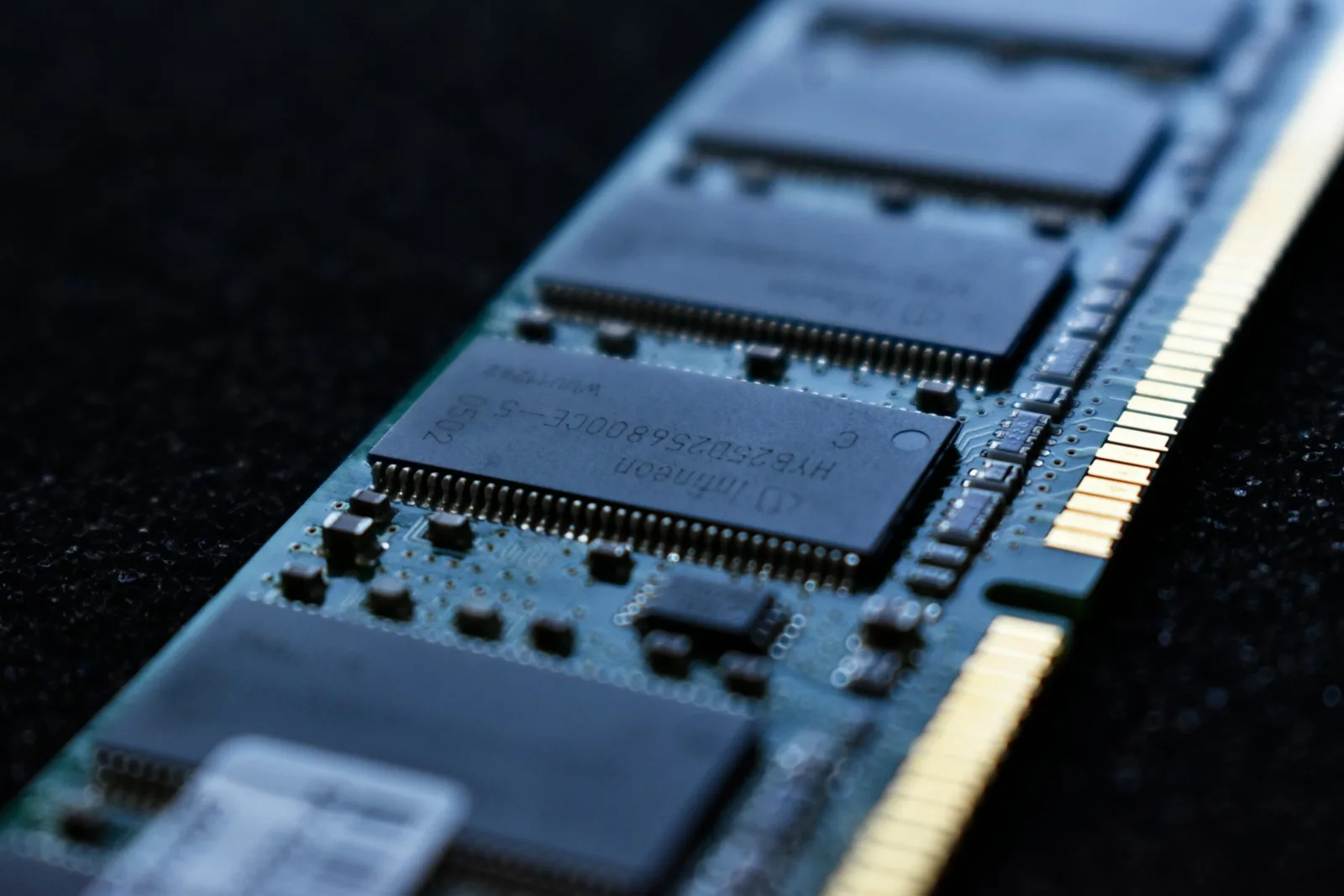
Almost every question about buying hardware for local AI reduces to this one, and almost every answer you will find is a number pulled from someone’s specific setup.
The actual VRAM answer is a short calculation. Once you can do it, you can size any model against any card in about thirty seconds, and you stop needing buying guides.
The VRAM Calculation
Three components, added together.
1. Model weights. At 4-bit quantisation, a model needs roughly half its parameter count in gigabytes. A 14B model is around 7GB. A 32B model is around 16GB. A 70B model is around 35 to 40GB.
At 8-bit, double those figures. At 16-bit full precision, double again.
2. KV cache. This is the part guides omit and it is why people buy cards that “should” fit and do not. Every token in your context window needs storing, and this grows with context length and with concurrent requests. Budget several gigabytes for normal use, considerably more for long contexts.
3. Overhead. The runner itself, the operating system’s claim on the card, fragmentation. Call it one to two gigabytes.
So: weights + KV cache + overhead, and then leave headroom. A card that exactly equals your calculated total will not run the model comfortably.
Worked Examples
| Model | Quantisation | Weights | Realistic total | Card needed |
|---|---|---|---|---|
| 7B | 4-bit | ~4GB | ~8GB | 8GB works, 16GB comfortable |
| 14B | 4-bit | ~7GB | ~12GB | 16GB |
| 14B | 8-bit | ~14GB | ~20GB | 24GB |
| 32B | 4-bit | ~16GB | ~24GB | 32GB |
| 70B | 4-bit | ~40GB | ~48GB | 2 cards or professional |
| 70B | 16-bit | ~140GB | ~160GB | Professional, multiple |
Note the 70B row. That single line explains why the workstation tier exists and why no consumer card reaches it alone.
Context Length Changes Everything
The most underestimated variable, and the one that turns a working setup into a failing one.
KV cache scales with context. A model that runs comfortably at 4,000 tokens of context can exhaust memory at 32,000, with no change to the model itself. People hit this when they paste a long document into a setup that had been working fine for weeks.
Two practical consequences. Size for the context you actually use, not the maximum the model supports. And if you run out of memory unexpectedly, reduce context before blaming the model — it is the first thing to check and the most common cause.
The Quantisation Trade-Off
Given a fixed amount of VRAM, you constantly choose between a bigger model at lower precision and a smaller one at higher precision.
The general rule: a larger model at 4-bit beats a smaller model at 8-bit for the same footprint. Quality loss from 4-bit is modest and well-studied; the capability gain from more parameters is substantial.
Below 4-bit, degradation becomes noticeable quickly and is rarely worth the memory saved. Above 8-bit, you are usually paying memory for quality nobody can detect in normal use.
So 4-bit is the working default, and the practical question becomes: what is the largest model that fits at 4-bit with room for my context? That single question sizes your card.
What Running Out of VRAM Looks Like
It rarely announces itself clearly, which is why people misdiagnose it. Four symptoms, in the order you are likely to meet them.
Sudden severe slowdown. A model that was answering in seconds starts taking minutes. This is offloading — the model has spilled into system memory and is now moving weights across a far slower bus. It is the most common symptom and the most commonly blamed on the wrong thing.
Out-of-memory errors partway through. The model loads fine and fails mid-conversation. That is the KV cache growing with context until it exhausts the card. The fix is usually reducing context length rather than changing model.
The model refuses to load at all. The clearest signal, and the easiest to act on. Your weights exceed available VRAM before anything else is accounted for.
Degraded output with no error. Some runners silently reduce context when memory is tight, which shows up as a model that seems to forget things earlier in a conversation. Easy to mistake for a model weakness rather than a hardware limit.
That last one is worth watching for specifically. A model that appears to have poor memory frequently has adequate memory and insufficient VRAM behind it.
Making Limited VRAM Go Further
Before buying more, five things that meaningfully extend what a given card runs.
Reduce context length. The single largest lever, and the setting most people leave at maximum without needing it. Halving context frees substantial memory immediately.
Use 4-bit quantisation. If you are running 8-bit out of caution, the quality difference is modest and the memory saving is not.
Close other GPU consumers. Browsers, video playback and the desktop compositor all claim VRAM. On a 16GB card that can be a meaningful fraction.
Unload models you are not using. Some runners keep several resident. Convenient until it is not.
Match model to task. A 7B model handles classification and extraction perfectly well. Reserving the large model for work that needs it leaves headroom for everything else.
Working through that list solves a good share of apparent VRAM shortages without spending anything, and it tells you whether the constraint is genuine before you commit to hardware.
How Much VRAM by Situation
You want to try local AI at all. 16GB. It runs mid-size models comfortably and image generation without compromise. Below this you are constrained enough to be frustrated.
You want it as a daily tool. 16GB is genuinely sufficient. 24GB if you work with long documents regularly, because context is where 16GB gets tight.
You want models that reason well. 32GB, for the 32B class. This is a real capability step rather than a speed one, better multi-step reasoning, more reliable instruction following.
You need 70B. 48GB minimum, which means two consumer cards or one professional card. There is no cheap route here.
You are serving several people. Add memory for concurrency. Each simultaneous request needs its own KV cache, so a model comfortable for one user can exhaust a card with four.
Apple Silicon Changes the Maths
Worth its own section because the usual VRAM framing misleads badly here.
On a machine with a discrete graphics card, the model must fit in that card’s dedicated memory. Apple Silicon uses unified memory, so the whole system pool is available, which means a Mac with 32GB can run models that would otherwise need an expensive dedicated card.
Two caveats. Memory is shared with everything else running, so the usable budget is less than the headline figure, leave several gigabytes for the system. And generation speed on very large models still trails a dedicated high-end card, though the gap is smaller than specifications suggest for interactive use.
If you are choosing hardware specifically for local AI and are not committed to a platform, memory capacity should weigh more heavily than almost any other specification. Our guide to local LLMs by memory tier covers which models suit each.
How to Check What You Are Actually Using
The calculation gives you an estimate. Measuring gives you the truth, and the two frequently differ by more than people expect.
Watch VRAM during a real job, not at idle. Load your model, run a representative task with your typical context length, and observe peak usage. Idle figures tell you nothing, the KV cache fills as the conversation grows.
Test your worst case deliberately. Paste in the longest document you realistically work with. This is where setups fail, and finding out during a test is considerably better than during real work.
Note the headroom. If peak usage sits within a gigabyte or two of your card’s capacity, you are one long conversation away from a failure. That is the signal to reduce context or step down a model size.
Doing this once, properly, replaces a great deal of guesswork. Most people who think they need more VRAM discover they need a shorter context window, and most people who think 16GB is fine discover their context settings were quietly capped.
What VRAM Does Not Determine
Worth being clear, because capacity gets treated as the only specification that matters, including in much of this guide.
Speed. Once a model fits, memory bandwidth largely determines how fast tokens arrive. Two cards with identical VRAM can feel very different in interactive use. Capacity decides what you can run; bandwidth decides whether you enjoy running it.
Output quality. A model produces the same quality on any card that fits it. More VRAM does not make a 14B model smarter. It lets you run a 32B model instead, which is a different thing.
Whether local is the right choice at all. Plenty of people size a card carefully and would be better served by a hosted API. Local wins on volume, privacy and permanence, not on convenience or cost at low usage.
Get capacity right first, because it is binary and unforgiving. Then think about bandwidth. Then ask whether you needed the hardware.
How This Changes Over Time
A reason not to over-buy, and one people rarely factor in.
Quantisation methods keep improving. A model that needed 20GB two years ago runs in noticeably less today at comparable quality, on hardware that did not change. Architectural efficiency is moving the same direction, smaller models keep matching what larger ones did.
Pulling the other way, model sizes keep growing and context windows keep expanding, both of which consume VRAM.
On balance these roughly cancel, which means a card sized sensibly today should stay sensible for two to three years. What it will not do is grow into a class it never fit, 16GB will never run 70B, however good quantisation gets.
That asymmetry is the one to plan around. Buying slightly more capacity than you need today is reasonable insurance; buying an entire tier up on the assumption you will grow into it usually is not.
Five VRAM Sizing Mistakes
1. Sizing for weights only. The most common error. Weights plus KV cache plus overhead, then headroom.
2. Sizing for maximum context. You rarely use it. Size for typical use and reduce context if you hit a wall.
3. Buying the 8GB variant by accident. Several cards ship in two memory configurations under near-identical names. For AI the difference is the whole point.
4. Assuming more VRAM means faster. Capacity determines what runs; bandwidth determines how fast. They are different specifications and both matter.
5. Buying for a model you might use. Size for what you actually run today. Quantisation keeps improving, so a fixed card runs better models over time without you spending anything.
Cards by VRAM Tier
Once the calculation gives you a number, this is what meets it.
| VRAM | Card | Runs comfortably | Link |
|---|---|---|---|
| 16GB | RTX 5060 Ti 16GB | Up to ~14B, image generation | Check price |
| 16GB | RTX 5080 | Same models, noticeably faster | Check price |
| 32GB | RTX 5090 | Up to ~32B on one card | Check price |
| 96GB | RTX PRO 6000 | 70B at full precision | Check price |
Our full GPU comparison covers the speed differences between cards with identical capacity, which the table above deliberately ignores.
Frequently Asked Questions
How much VRAM for a 7B model?
8GB works at 4-bit with modest context. 16GB is comfortable and leaves room for longer context and image generation alongside.
How much VRAM for a 70B model?
Roughly 40GB for weights at 4-bit, so 48GB realistically. That means two consumer cards or one professional card.
Is 12GB enough?
For 7B models, yes. For anything mid-size, it is tight enough to be frustrating once context grows.
Does system RAM substitute for VRAM?
Technically yes, and the speed penalty is severe enough that most people stop using the setup. Treat offloading as a fallback, not a plan.
Do two 16GB cards equal one 32GB card?
For inference capacity, broadly yes, models split across cards well. For simplicity, power and heat, no.
Will quantisation improvements let me run bigger models later?
To a degree, yes. This is a genuine reason not to over-buy. A card bought today keeps running better models as methods improve.
If the plan is to run agents rather than chat, our local AI agent guide explains why context length eats VRAM faster than you expect.
The Short Answer
If you want one number: 16GB. It runs the models most people actually use, handles image generation, and leaves enough room for context that you will not fight it daily.
Go to 32GB if you specifically need the 32B class, which reasons noticeably better. Go beyond only if you genuinely need 70B, and be honest about whether you do.
And remember the calculation rather than the recommendation. Weights plus cache plus overhead, then headroom. That sizes any model against any card, long after this guide is out of date.
Related planning: storage for local AI for the disk side of the same question, and the dual-GPU build guide for when one card is not enough.


