

Table of Contents
- What Matters on Paper
- What It Actually Runs
- Speed in Practice
- Against the Alternatives
- What to Pair It With
- Four Workflows It Handles Well
- The Quantisation Question
- Power and Thermals
- Adding a Second Card Later
- What Reviews Get Wrong
- The Two-Year View
- Pros and Cons
- Who Should Buy It
- Getting Set Up
- Is It Worth the Money?
- Where to Buy
- Frequently Asked Questions
- Verdict
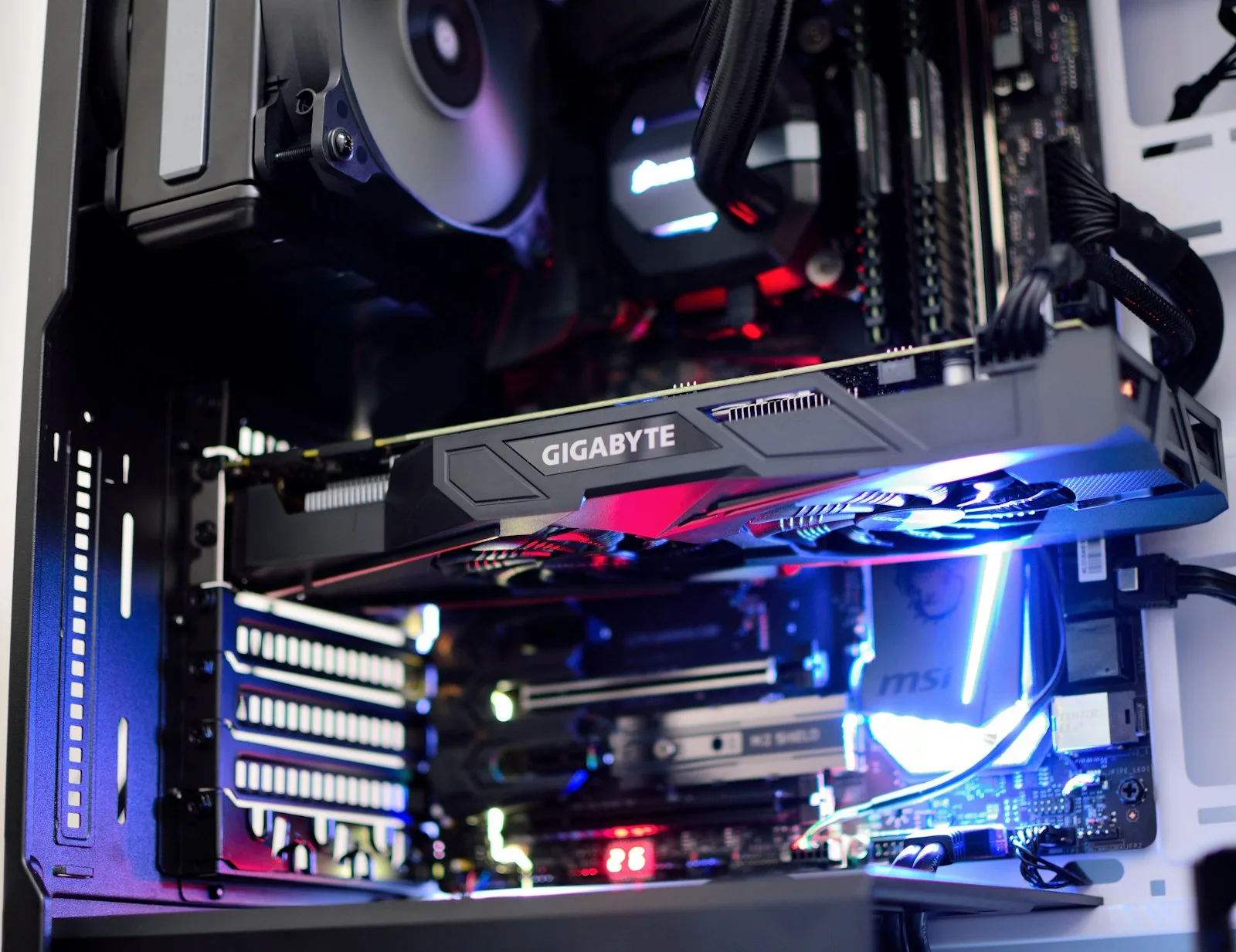
The RTX 5080 sits in an awkward, useful place. It is not the card people write excited posts about, and for running AI models locally it is the one most buyers should actually get.
That gap between attention and suitability is worth explaining, because it comes down to a single specification that gaming coverage treats as an afterthought.
RTX 5080 Specs That Matter for AI
16GB of memory, current-generation architecture, and bandwidth well above the tier below it.
For local AI the memory figure is the headline and the bandwidth is the reason you would pay more than the budget option. Everything else, core counts, ray tracing, frame generation, is aimed at a different buyer entirely.
What the RTX 5080 Actually Runs
The RTX 5080 comfortably handles a wide range of popular quantised language models. In practice that means models up to roughly 14B parameters at 4-bit with room for meaningful context, plus image generation without compromise.
What it does not run is 70B. Nothing with 16GB does — that class needs roughly 40GB for weights alone before context, which is a different tier of hardware entirely. Our GPU guide by VRAM tier covers where that line sits.
The honest framing: for the overwhelming majority of local AI work — drafting, summarising, classification, code assistance, image generation. This is enough card.
RTX 5080 Speed in Practice
Inference is memory-bound rather than compute-bound, so bandwidth largely determines how quickly tokens appear once a model fits.
This is where the RTX 5080 earns its premium over cheaper 16GB options. Same models, noticeably faster generation. Whether that matters depends on how you work, for interactive use it matters a great deal, for batch processing overnight it matters very little.
RTX 5080 vs the Alternatives
| RTX 5060 Ti 16GB | RTX 5080 | RTX 5090 | |
|---|---|---|---|
| Memory | 16GB | 16GB | 32GB |
| Models at Q4 | Up to ~14B | Up to ~14B | Up to ~32B |
| Relative speed | Slower | Fast | Fastest |
| Price position | Entry | Mainstream | Flagship |
| Best for | Budget-bound builds | Most people | Larger models, headroom |
Note that the 5060 Ti runs the same models. You are paying for speed, not capability, which is a legitimate purchase and worth being clear-eyed about.
What to Pair It With
A generous power supply, good case airflow and at least 32GB of system RAM. Inference holds a card at high utilisation for far longer than gaming does, so thermal headroom that never mattered before becomes relevant.
The CPU matters less than people expect. Inference runs on the GPU; a mid-range current processor is sufficient and money moved to the graphics card is the better trade.
Four Workflows It Handles Well
Specifications are abstract. These are the things people actually do with an RTX 5080, and how it behaves in each.
A local coding assistant. A 7B to 14B code model sits comfortably in 16GB with room for a decent context window, which matters because code assistance needs to see surrounding files. Response speed is good enough that it does not break concentration, the threshold most people care about far more than benchmark scores.
Document work over private material. Summarising, extracting, answering questions over your own files. This is where local hardware earns its place, because the data never leaves the machine. Pair it with a retrieval setup and the card handles both the embedding and the generation, our guide to retrieval-augmented generation covers the pipeline.
Bulk classification and extraction. The workload where local hardware genuinely beats an API on cost. Thousands of records through a mid-size model costs nothing beyond electricity, where a per-token bill would compound daily.
Image generation. 16GB is comfortable for current image models at full resolution without the compromises 8GB cards force. Video generation works at reasonable settings, though this is where you start noticing what a larger card would offer.
The Quantisation Question
Worth understanding, because it changes what this card can do more than any hardware decision.
Quantisation compresses model weights to fit in less memory. At 4-bit, the common working point, a model needs roughly half its parameter count in gigabytes. The same model at 8-bit needs double that.
On 16GB this creates a real trade. A 14B model at 4-bit fits comfortably with context to spare. That same model at 8-bit is tight. A 32B model at 4-bit does not fit at all.
The practical guidance: a larger model at 4-bit generally beats a smaller model at 8-bit for the same memory footprint. Quality loss from 4-bit quantisation is modest; the capability gain from more parameters is not. Below 4-bit, degradation becomes noticeable quickly.
This is also why the 16GB ceiling is softer than it looks. As quantisation methods improve, the models that fit in 16GB keep getting better without you buying anything.
Power and Thermals: The Part That Bites
Gaming load is bursty. Inference load is not, a card running a model sits at high utilisation continuously for as long as the job takes.
Two consequences that catch people out.
Power supply sizing. A unit that handles gaming fine can destabilise under sustained inference, because the draw is constant rather than peaky. Size generously above the nominal requirement and buy a quality unit. This is the most common cause of a machine that games perfectly and crashes during AI work.
Sustained thermals. Throttling that never appears in a twenty-minute gaming session shows up in a two-hour batch job as steadily declining token speed. Case airflow matters more here than it does for gaming, and it is worth prioritising over how the build looks.
Neither is exotic. Both are routinely underestimated because the reviews people read are written for a different workload.
Adding a Second Card Later
A reasonable path, with caveats worth knowing before you commit to it.
Two 16GB cards give you 32GB of usable capacity for inference, which moves you into 32B-model territory. Inference splits across cards well, so the software side is largely solved.
The build side is where it gets awkward. You need a motherboard with appropriate slot spacing, a considerably larger power supply, and a case that can actually cool two cards sitting close together. Retrofitting all three into a machine built for one card frequently costs more than the second GPU.
The honest advice: if you think a second card is likely, buy the power supply and case for two now. Those are cheap to over-specify at build time and expensive to change later. If you are unsure, one RTX 5090 is simpler than two RTX 5080s for similar capacity.
What Reviews Get Wrong About This Card
Most RTX 5080 coverage is written for gamers, which produces two distortions if you are buying for AI.
Frame rates are the headline. They tell you nothing about local inference. A card that trails in gaming benchmarks but holds more memory will run models the faster card cannot load at all.
The 5090 comparison is framed as diminishing returns. For gaming, the extra money buys modest frame rate gains. For AI it buys 32GB versus 16GB, which is not a diminishing return. It is a different capability tier. The same comparison reads completely differently depending on why you are buying.
If you are reading gaming reviews to decide an AI purchase, adjust for both. Capacity first, bandwidth second, everything else a distant third.
The Two-Year View
Worth thinking about, because graphics cards are held longer than most components.
Two things are moving in opposite directions. Model sizes keep growing, which pushes toward more memory. But quantisation and architecture efficiency keep improving, which means the models that fit in 16GB keep getting more capable without any hardware change.
On balance, 16GB looks durable for mid-size local work over a two-year horizon and will not become a 70B card at any point. If your needs are stable, this ages fine. If you expect to move toward larger models, the memory ceiling is the thing that will eventually force an upgrade, not the speed.
That asymmetry is worth weighing at purchase. Capacity ages considerably better than compute for this workload.
RTX 5080 Pros and Cons
Strong points. The best balance of capability, speed and price in the current lineup. Enough memory for the models most people run. Genuinely fast. Doubles as an excellent gaming card, which matters if this is your only machine.
Weak points. 16GB is a hard ceiling, no amount of patience runs a 70B model on it. Cheaper cards run the same models more slowly for meaningfully less money. And if you only use AI occasionally, hosted inference is better value than any card.
Who Should Buy the RTX 5080
Buy it if you want capable local AI without flagship pricing, your models are mid-size, and you value responsiveness. This is the sensible default and the recommendation for most people.
Buy the 5060 Ti 16GB instead if budget is the binding constraint, same models, slower, considerably cheaper.
Buy the 5090 instead if you want 32B models on one card or expect to grow into the headroom.
Buy nothing if you run models a few times a day. An API subscription will not pay back a graphics card at that volume.
Getting Set Up After It Arrives
An RTX 5080 does nothing for AI out of the box. The software side takes an afternoon and the sequence matters.
Drivers first, then a runner. Install current drivers, then a local model runner. Ollama is the common choice and takes minutes; LM Studio is the friendlier route if you would rather avoid the terminal. Either handles the GPU detection for you.
Pull one model, not five. Start with a well-supported mid-size model at 4-bit and use it for real work before downloading anything else. The instinct to collect models wastes disk and teaches you nothing, our guide to local LLMs by memory tier covers which are worth starting with on 16GB.
Watch memory during a real job. Run something representative and observe actual VRAM use. You will learn quickly whether your context settings leave enough headroom, which is the setting most people get wrong first.
Connect it to something. A model you have to open a separate app to use gets forgotten. Wiring the RTX 5080 into your editor, your notes or an automation makes it part of the workflow rather than a curiosity.
Is It Worth the Money?
Depends entirely on volume, and it is worth being unsentimental about the arithmetic.
Hosted inference at the budget tier costs very little per million tokens. An RTX 5080 costs the equivalent of an enormous number of tokens. If you run a model a handful of times a day, the card will not pay back within its useful life and an API subscription is the better purchase.
Where the RTX 5080 wins is not cost per token. It is the three things money cannot buy from an API. Unlimited use, so repetitive bulk work costs nothing beyond electricity. Genuine privacy, because the data provably never leaves the machine. And permanence, because nothing gets deprecated or repriced underneath you.
If none of those three matter to your work, the honest recommendation is to skip the card. That conclusion appears rarely in hardware coverage and it is true for a meaningful share of people considering this purchase.
Where to Buy
The card is only part of the build. Power supply and memory are where AI machines most often fall short.
| Product | Best for | Link |
|---|---|---|
| RTX 5080 (16GB) | The card this guide recommends | Check price |
| RTX 5060 Ti 16GB | Cheaper alternative, same models | Check price |
| RTX 5090 (32GB) | Step up for larger models | Check price |
| 850W+ PSU | Sized for sustained inference load | Check price |
| 32GB DDR5 kit | Minimum sensible system RAM | Check price |
Prices in this category move constantly and stock varies by region. Check current listings rather than relying on any figure quoted in an article, including this one.
Frequently Asked Questions
Is the RTX 5080 good for AI?
Yes, for mid-size models. 16GB covers most popular quantised models with room for context, and the bandwidth makes it noticeably quicker than cheaper cards with the same capacity.
Can it run a 70B model?
No. That needs roughly 40GB for weights alone. No 16GB card runs 70B regardless of speed.
Is it worth it over the 5060 Ti 16GB?
If interactive speed matters, yes. If you mostly batch work, the cheaper card runs the same models and the money is better spent elsewhere in the build.
How much RAM should I pair with it?
32GB minimum, 64GB if you plan to work with larger models partially offloaded.
Does it work for image and video generation?
Yes, comfortably. 16GB is sufficient for current image models and most video workflows at reasonable settings.
RTX 5080 Verdict
The RTX 5080 is the card to buy if you are buying one card and want to stop thinking about it. It is not the most exciting option and it is the one that fits how most people actually use local AI.
The only reasons to look elsewhere are a genuinely tight budget, which points at the 5060 Ti 16GB, or a real need for models above 14B, which points at the 5090. Everything in between is this card.


