

Table of Contents
- Why Used Makes Sense Here
- What You Are Risking
- How to Check a Used GPU
- When Used Wins
- When New Wins
- Which Used GPUs Are Worth Hunting
- Buying a Used GPU Well
- Does the Saving Hold Up?
- Used GPU vs New in One Table
- Used GPU Listings to Walk Away From
- After You Buy a Used GPU
- Frequently Asked Questions
- Verdict
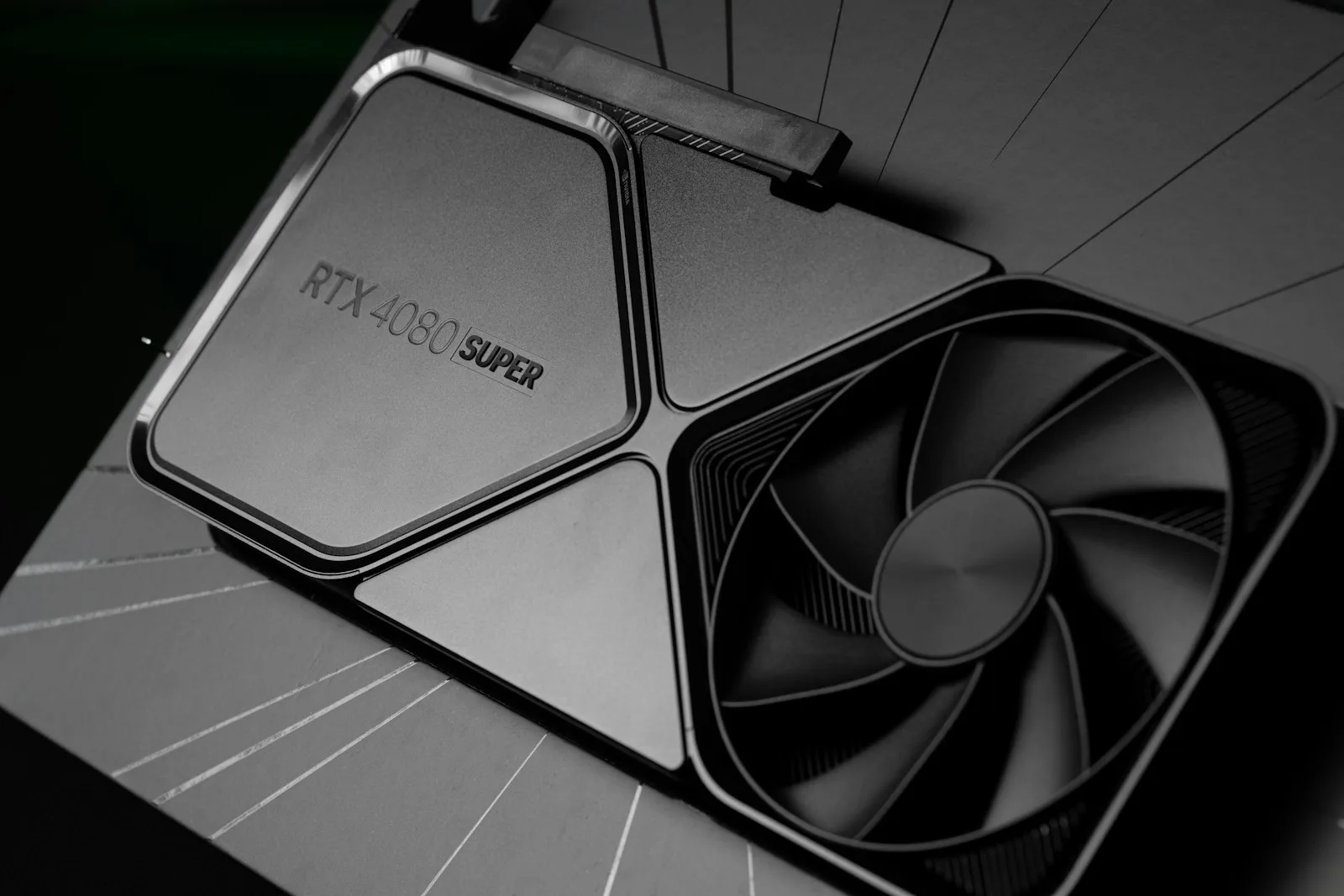
Weighing a used GPU against a new one for AI is where local AI buyers find the best value and the worst outcomes, frequently in the same week.
The logic is genuinely compelling: previous-generation cards with generous memory often run models that newer, faster, more expensive cards cannot touch. The risks are equally real and rarely spelled out.
Why a Used GPU Makes Unusual Sense for AI
For gaming, a used GPU is a straightforward value calculation — older silicon, fewer frames, lower price.
For local AI the calculation inverts, because capacity matters more than speed. A model either fits in memory or it does not. A previous-generation 24GB card runs models a current 16GB card cannot load at all, regardless of how much faster the newer card is on paper.
This means the used market frequently offers something new cards at the same price genuinely cannot: more VRAM. That is a capability difference rather than a speed one, and it is why used deserves serious consideration here when it would not elsewhere.
What You Are Actually Risking With a Used GPU
Four things, in rough order of how often they bite.
Unknown prior use. Cards used for mining or sustained compute have run hot for long periods. That is exactly the load profile AI inference produces, so a card already worn by it is being asked for more of the same.
No warranty. If it fails in three months, that is the whole cost. Factor this into the price difference rather than treating the saving as free.
Software support gaps. The one people miss. Older architectures may lack support for newer quantisation formats or current runner versions. Verify your intended software works with that specific generation before buying on capacity alone.
Thermal paste and pads degrade. A card several years old may need repasting to hit its rated performance. Straightforward if you are comfortable opening hardware, a genuine barrier if not.
How to Check a Used GPU
If you buy used, this sequence catches most problems within the return window.
Run a sustained load, not a benchmark. An hour of continuous inference or a stress test. Short benchmarks pass on cards that fail under the sustained load AI work produces.
Watch temperatures throughout. Steady climbing that plateaus high suggests degraded paste. Sharp throttling suggests a cooling problem you will inherit.
Verify the memory reports correctly and that all of it is usable. Memory faults show up as crashes when a model fills the card, which a light test never triggers.
Test with your actual workload. Load the model you intend to run at the context length you intend to use. This is the only test that matters.
Check physical condition. Dust is normal and cleanable. Bent fins, damaged connectors or evidence of a hard life are reasons to walk away.
When a Used GPU Wins
You are budget-bound and need capacity. The clearest case. More VRAM for the same money is a real capability step that new cards at that price cannot offer.
You are technically confident. Comfortable testing thoroughly, repasting if needed, and accepting the risk knowingly.
You are building a second machine. A server or a secondary box where failure is inconvenient rather than disastrous — our home AI server guide covers a build where used GPUs make particular sense.
You want to add a second card cheaply. Pairing a used card with an existing one for extra capacity, where the downside is losing the added capacity rather than the whole machine.
When New Wins
It is your only machine. If work depends on it, warranty is worth real money.
You want it to simply work. New cards do not need testing, repasting or research into architecture support.
Power efficiency matters. Older cards typically draw more for the same output. On a machine running continuously, that gap compounds, which is worth weighing against the capacity gain.
You need current features. Newer quantisation formats and runner optimisations sometimes require recent architectures.
Which Used GPUs Are Actually Worth Hunting
Not every used card is a bargain. Three categories are worth watching and one is worth avoiding.
Previous-generation 24GB consumer flagships. The sweet spot. Enough memory to run models a current mid-range card cannot, at prices that have fallen since the newer generation launched. This is where most of the value sits.
Older professional cards with large VRAM. Frequently overlooked and sometimes remarkable value, substantial memory at a fraction of new professional pricing. Check power connectors, cooling requirements and physical dimensions carefully, because these differ from consumer cards in ways that catch people out mid-build.
Recent mid-range cards with the larger memory option. Lower risk because they are newer, with a modest saving. Sensible if you want most of the value without the uncertainty of older silicon.
What to avoid: any 8GB card. However cheap. For local AI the capacity is the constraint, and 8GB constrains you to small models with cramped context. A cheap used GPU that frustrates you within a week is not a saving.
Buying a Used GPU Well
Four things that improve the outcome, beyond the testing already covered.
Buy where there is a return window. The tests that matter take an hour of sustained load. A doorstep handover does not allow that, which makes platforms with buyer protection worth their fees for this specific purchase.
Ask what it was used for. Not because sellers always answer honestly, but because the answer and the manner of it tell you something. Gaming use, a single owner and original packaging are all mildly reassuring.
Price in a repaste. Assume any card more than a couple of years old may need it. That is either an afternoon of your time or a small service cost, and it should come off the price you are willing to pay.
Check the specific variant. Several cards ship in multiple memory configurations under near-identical names. Confirm the exact model and memory figure on the listing, not the family name.
Does the Used GPU Saving Actually Hold Up?
Worth working through, because the headline discount is not the whole picture.
Against the purchase price you should set three things. The absent warranty, which is a real cost expressed as risk, if there is a meaningful chance of failure within two years, price that in. Higher power draw, since older cards typically consume more for the same output, which compounds on a machine running sustained loads. And your time testing, potentially repasting, and researching architecture support.
Set against those, the gain is usually a full tier of memory capacity. That is not a marginal improvement. It can be the difference between running the model class you actually want and settling for the one below.
The honest summary: a used GPU makes clear sense when it buys you a capability step. It makes much less sense when it merely saves money on the same capability, because at that point you are trading warranty and efficiency for a modest discount.
| Buying | Where | Link |
|---|---|---|
| New current-generation cards | Manufacturer and major retailers | Check price |
| New professional cards | Specialist retailers | Check price |
| Refurbished with warranty | Manufacturer refurb programmes | Check price |
Manufacturer-refurbished is the middle path worth knowing about: much of the discount, with a warranty behind it. Stock is inconsistent and it is worth checking before committing to a private sale.
Used GPU vs New in One Table
| Used previous-gen 24GB | New current-gen 16GB | |
|---|---|---|
| Models at Q4 | Larger, capacity advantage | Up to ~14B |
| Speed | Generally slower | Faster |
| Power draw | Typically higher | Lower |
| Warranty | None | Full |
| Software support | Verify before buying | Current |
| Best for | Capacity on a budget | Reliability, efficiency |
Used GPU Listings to Walk Away From
The used GPU market attracts a predictable set of problems. Five signals worth treating as disqualifying.
Stock photos only. A seller who will not photograph the actual card either does not have it or does not want you seeing its condition. Ask for a photo with something identifying in frame.
“Untested” or “for parts” priced as working. Occasionally honest, usually not. If a seller cannot power it on, assume it does not.
Pressure to move off-platform. The buyer protection is the entire reason to use a marketplace for this. A seller trying to bypass it is removing your only recourse.
Prices far below the going rate. A used GPU priced well under everything comparable is either faulty, stolen or not real. Nobody accidentally underprices a card by a large margin.
Vague answers about prior use. Not everyone knows the history of a card they bought second-hand themselves, and evasiveness where a straight answer would cost nothing is worth heeding.
None of these are subtle. The used GPU market rewards patience, the right card appears regularly, and no individual listing is worth ignoring an obvious warning about.
After You Buy a Used GPU
Three things to do in the first week, while returns are still possible.
Run it hard immediately. Not gently, to preserve it, hard, to find faults. An hour of sustained inference on the first day is worth more than a month of light use, because problems surface under load and the return window is finite.
Run your real workload at full context. Memory faults hide until a model actually fills the card. A light test never triggers them; loading your intended model at your intended context length does.
Decide about repasting. If temperatures climb higher than expected under sustained load, fresh paste and pads frequently recover several degrees. On an older used GPU this is normal maintenance rather than a fault, and it is worth doing before you conclude the card is disappointing.
Get through that first week without problems and a used card is generally as reliable as a new one. The failures that matter tend to appear early, which is precisely why testing immediately rather than gently is the right instinct.
Frequently Asked Questions
Are mining cards safe to buy?
They ran hot and steady, which is hard on components but arguably gentler than constant thermal cycling. Test thoroughly, expect to repaste, and price the risk in.
How much should used be cheaper?
Enough that losing the card entirely would not be ruinous. If the saving is modest, the warranty is worth more.
Where should I buy used?
Platforms with buyer protection and a return window beat private sales, because the tests that matter take longer than a doorstep handover allows.
Is a used professional card worth considering?
Sometimes very much so, large VRAM at a fraction of new pricing. Check power connectors, cooling requirements and physical size, which frequently differ from consumer cards.
What is the single biggest mistake?
Buying on VRAM alone without verifying software support for that architecture. A card with plenty of memory your runner cannot use is worthless.
Should a beginner buy used?
Generally no. The first local AI setup involves enough troubleshooting without adding uncertain hardware to the variables.
Verdict
Used graphics cards are genuinely more attractive for local AI than for gaming, because the thing you gain, memory capacity, is the thing that determines what you can run at all.
Buy used if you are technically confident, can test properly, and the extra VRAM moves you into a model class that matters. Buy new if the machine is important, you value the warranty, or you would rather spend your evening using the thing than diagnosing it.
And whichever way you go, verify software support for the architecture before you buy. That single check prevents the most common and most frustrating used-card mistake.


