

Table of Contents
- Why VRAM Decides Everything
- The Maths Nobody Explains
- The Cards, by Tier
- Side by Side
- Bandwidth: The Second Number
- Two Cards or One Bigger One?
- Where Used Cards Fit
- What Else the Build Needs
- A Realistic Upgrade Path
- Local vs Cloud: The Break-Even
- Six Buying Mistakes
- Where to Buy
- Frequently Asked Questions
- The Verdict
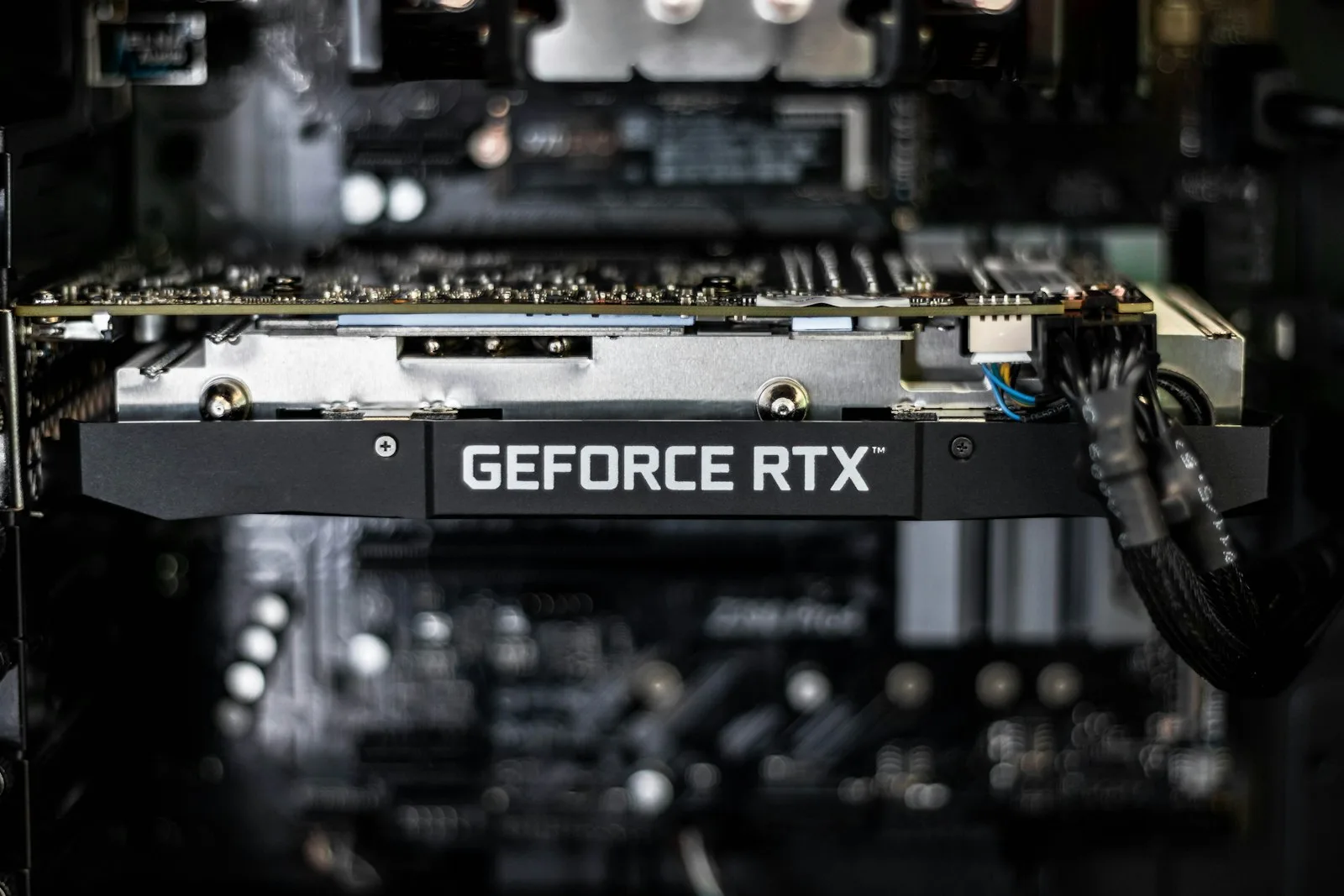
Buying the best GPU for local AI is the one purchase where the usual advice actively misleads you. Gaming benchmarks, frame rates, ray tracing scores — none of it predicts whether a card can run the model you want.
One number does most of the work, and it is the one gaming reviews barely mention.
Why VRAM Decides Your Local AI GPU Choice
A language model has to fit in your graphics card’s memory to run at usable speed. If it fits, you get fast responses. If it does not, the model spills into system RAM and slows to the point where you stop using it.
This is binary in a way that gaming performance is not. A slower card running a model that fits will comfortably outperform a faster card that cannot hold it. There is no partial credit.
Which means the local AI GPU question is not “which card is fastest” but “which is the cheapest card with enough memory for the models I actually want to run”. Those produce very different answers.
The Maths Nobody Explains
Model sizes are quoted in parameters — 8B, 32B, 70B. To convert that into a VRAM requirement you need two things.
Quantisation. Models are compressed to run in less memory. At 4-bit (Q4), the common working point, a model needs roughly half its parameter count in gigabytes. A 32B model at Q4 is around 16GB of weights. At 8-bit it is roughly double.
Overhead. Here is the part that catches people out: weights are not the whole story. You also need room for the KV cache, which grows with context length, plus serving overhead. Budget meaningfully above the weight figure, a card that exactly fits the weights will not actually run the model.
The practical illustration: a 70B model at 4-bit needs roughly 40GB for weights alone before context and concurrency. That single fact rules out every 24GB card for 70B work, regardless of how fast they are, and it is why the tier table below is organised the way it is.
The Best GPUs for Local AI, by Tier
Flagship consumer. RTX 5090, 32GB
The consumer card to beat for local AI. 32GB of GDDR7 with very high memory bandwidth means it comfortably handles 32B models at Q4 on a single card, and 70B at Q4 across two.
It also runs image and video generation locally without the compromises smaller cards force. If you want one card that does not need thinking about again for a few years, this is it.
Buy it if: you want headroom, you work with larger models regularly, or you also game seriously. Skip it if: your models fit comfortably in 16GB. You would be paying a large premium for capacity you never touch.
Mainstream. RTX 5080, 16GB
The pick most people should actually consider. 16GB handles a wide range of popular quantised models comfortably, and it strikes the best balance of AI capability, gaming performance and price in the current lineup.
The honest framing: 16GB covers most mid-size models. It will not run 70B, and it does not pretend to. For 8B to 14B models at good quantisation, plus image generation, it is entirely sufficient.
Buy it if: you want capable local AI without flagship pricing and your models are mid-size. This is the sensible default.
Budget. RTX 5060 Ti, 16GB variant
The interesting one, because the 16GB version delivers the capacity that matters at a considerably lower price than the tier above.
You give up bandwidth and raw compute, which shows up as slower generation. But it fits the same models the 5080 does, and for many people a slower answer that arrives is worth far more than a fast answer the card cannot produce.
Critical: buy the 16GB variant specifically. The 8GB version is a materially different product for AI work and the naming does not make that obvious.
Workstation. RTX PRO 6000, 96GB
A different category entirely. 96GB handles 70B models at full FP16 precision, or 120B-plus mixture-of-experts models, without quantisation compromises.
This is professional hardware at professional pricing. It makes sense when local inference is business-critical, when you need models that simply will not fit on consumer cards, or when the data cannot leave your building.
Buy it if: the capability genuinely unlocks revenue. Otherwise the consumer tier plus an API for the hard cases is far better value.
Side by Side
| Card | VRAM | Comfortable at Q4 | Position |
|---|---|---|---|
| RTX 5060 Ti (16GB) | 16GB | Up to ~14B, image generation | Best value entry |
| RTX 5080 | 16GB | Up to ~14B, faster | Mainstream default |
| RTX 5090 | 32GB | Up to ~32B single card | Consumer flagship |
| Two × RTX 5090 | 64GB | 70B at Q4 | Serious local setup |
| RTX PRO 6000 | 96GB | 70B at FP16, 120B+ MoE | Professional |
Note the gap between 32GB and 96GB. There is no comfortable single-card consumer answer for 70B at Q4, which is why two-card setups exist at that level.
Bandwidth: The Second Number
Once a model fits, memory bandwidth largely determines how fast tokens come out. Inference is memory-bound rather than compute-bound, the card spends its time moving weights, not calculating.
This is why the budget and mainstream cards feel different despite identical capacity. Same models, noticeably different speed.
The practical rule: capacity decides what you can run, bandwidth decides whether you enjoy running it. Get capacity right first, then buy as much bandwidth as the budget allows.
Two Cards or One Bigger One?
Once you need more than 32GB, this becomes the real question.
Two cards give you capacity more cheaply and let you start with one and add the second later. The costs are a motherboard with the right slots and spacing, a considerably larger power supply, more heat, and software that has to split the model across both, which works well for inference and adds complexity.
One larger card is simpler, quieter, draws less power and avoids the splitting entirely. You pay substantially more per gigabyte for that.
For most people building a local AI machine, one strong card now with room to add a second later is the better path. It defers the decision until you know whether you actually need the capacity.
Where Used Cards Fit
Worth considering, because previous-generation cards with generous VRAM often outperform newer cards with less, for this specific workload.
The reasoning is the same as everywhere else in this guide, a 24GB card from an older generation runs models a newer 16GB card cannot touch, whatever the gaming benchmarks say.
The risks are real though: no warranty, possible heavy prior use, and older architectures may lack support for newer quantisation formats. Check what your intended software actually supports before buying on capacity alone.
What Else the Build Needs
The card is the headline. Three other components decide whether it actually runs stably, and they are where local AI builds most often go wrong.
Power supply. Modern flagship cards draw heavily and spike hard under sustained load, which is exactly what inference is. Size generously above the nominal figure and buy a quality unit. This is the single most common cause of a machine that crashes under AI workloads but games perfectly, because gaming load is bursty and inference is not.
Cooling and case airflow. A card running inference sits at high utilisation for minutes or hours rather than seconds. Thermal throttling that never appears in gaming shows up quickly here as declining token speed. Prioritise case airflow over aesthetics.
System RAM. Less critical than VRAM but not irrelevant. Models load through system memory, and if you plan to run anything partially offloaded you want headroom. A sensible rule is at least double your VRAM.
What matters less than people expect: the CPU. Inference runs on the GPU. A mid-range current-generation processor is entirely sufficient, and money moved from CPU to GPU is almost always the better trade in a local AI build.
A Realistic Upgrade Path
Rather than buying for the setup you might eventually want, most people are better served buying in stages.
Stage one: one good card, generous power supply. Buy the best single card your budget allows and a power supply sized as though a second card is coming. The supply is cheap insurance and impossible to add cleanly later.
Stage two: use it for three months. You will learn which models you actually reach for, which is almost never what you predicted. Plenty of people who planned to run 70B settle into 14B because the speed suits their workflow better.
Stage three: add capacity only if you hit the wall. If you genuinely keep running out of memory, add the second card. If you never do, you saved a substantial amount by waiting.
This sequence matters because GPU pricing moves and model efficiency improves. A card bought in eighteen months for the same money will do more. Deferring the second purchase is not indecision. It is buying later at a better rate.
Local vs Cloud: The Break-Even
Worth calculating honestly before spending anything, because for a meaningful share of people the answer is that a GPU is the wrong purchase.
Hosted inference costs cents per million tokens at the budget tier. A capable local AI GPU costs the equivalent of a great many tokens. If you run a model occasionally, a few conversations a day, some drafting, the odd summarisation, the card will not pay back within its useful life.
The cases where local genuinely wins are specific:
Volume. Repetitive work at scale, where a per-token bill compounds daily and unlimited local use eliminates it entirely.
Privacy. Data that cannot leave your infrastructure. This is a technical property rather than a policy promise, and for client or regulated work it is frequently the only defensible option.
Latency and control. No rate limits, no API deprecations, no model retired underneath you.
If none of those describe you, buy an API subscription and revisit in a year. That is an unpopular conclusion in a GPU buying guide and it is the honest one.
Six Local AI GPU Buying Mistakes
1. Buying on gaming benchmarks. They measure compute. Local AI is bound by memory. The rankings genuinely differ.
2. Getting the 8GB variant. Several cards ship in two memory configurations under nearly identical names. For AI the difference is the entire point.
3. Sizing for weights only. Forgetting KV cache and overhead is why people buy a card that “should” fit their model and find it does not.
4. Undersizing the power supply. Flagship cards draw heavily and spike hard. This is the most common cause of instability in new AI builds.
5. Buying capacity you will not use. If your work is 8B models and image generation, a flagship is money spent on headroom you never reach.
6. Ignoring the API alternative. If you run models occasionally, hosted inference is cheaper than any card here. Local wins on volume, privacy and unlimited use, not on casual convenience.
Where to Buy
Availability and pricing shift week to week in this category. These go to current listings.
| Product | Best for | Link |
|---|---|---|
| RTX 5060 Ti 16GB | Budget builds – confirm the 16GB variant | Check price |
| RTX 5080 | Mainstream default for most buyers | Check price |
| RTX 5090 | 32B models on one card, headroom | Check price |
| RTX PRO 6000 | Professional 70B at full precision | Check price |
Prices in this category move constantly and stock varies by region. Check current listings rather than relying on any figure quoted in an article, including this one.
Frequently Asked Questions
How much VRAM do I need for a 70B model?
Roughly 40GB for the weights at 4-bit, before context and overhead. In practice that means 48GB or more, which is two consumer cards or one professional card.
Is 16GB enough for local AI?
For most people, yes. It comfortably covers mid-size models at good quantisation plus image generation. It does not cover 70B.
Does AMD work for local AI?
It works, and NVIDIA’s software ecosystem remains considerably better supported. If you want things to run without troubleshooting, NVIDIA is the lower-friction choice today.
Do I need a GPU at all?
Not to start. Smaller models run on CPU slowly, and Apple Silicon uses unified memory, which changes the calculation entirely, our guide to local LLMs by memory tier covers which models fit what.
Will two smaller cards beat one big one?
For capacity, yes and more cheaply. For simplicity, power draw and noise, no. Inference splits across cards well; the complexity is in the build, not the software.
How long will a card last for AI work?
Capacity ages better than compute. A card bought for VRAM headroom stays useful longer than one bought for speed, because model sizes grow faster than inference gets cheaper.
Buying for agent work specifically? Building a local AI agent covers which models actually support tool calling.
The Verdict
Most people should buy the RTX 5080. 16GB covers the models you will actually run, the speed is genuinely good, and it does not cost flagship money.
Buy the RTX 5060 Ti 16GB if budget is the binding constraint. Same capacity, slower, and vastly better than not having a capable card.
Buy the RTX 5090 if you want 32B models on one card, or headroom you will grow into.
Buy professional hardware only when 70B at full precision is a business requirement rather than an ambition.
The single sentence worth remembering about any local AI GPU: buy the cheapest card with enough memory for the models you actually run, then spend what is left on bandwidth. Everything else in GPU marketing is aimed at a different buyer.
Also in this series: the Jetson Orin Nano Super for edge AI under $250, and the RTX PRO 6000 Blackwell for 96GB in a single card.


