

Table of Contents
- What Makes a Server Different
- The Parts List
- Why Not the Fastest Card
- What to Actually Run On It
- Remote Management
- Power and Running Costs
- A Realistic First Weekend
- Seven Mistakes to Avoid
- How It Grows With You
- Who Should Build One
- Server, Desktop, or Cloud?
- Frequently Asked Questions
- Verdict
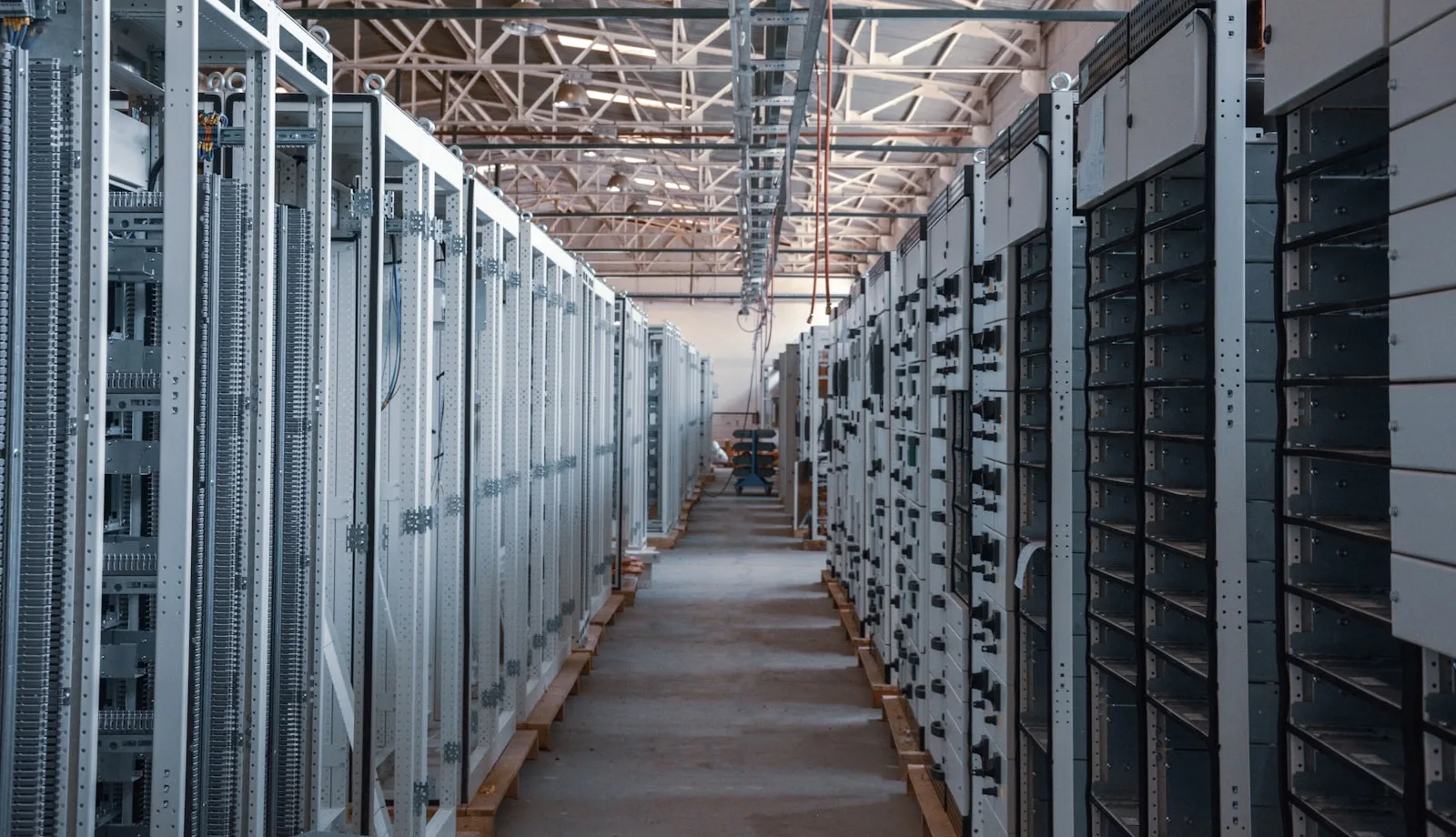
There is a difference between a machine you use for AI and a machine that runs AI for you. The first sits on your desk and works when you are at it. The second sits in a cupboard, runs continuously, and answers requests from whatever device you happen to be holding.
The second is considerably more useful, and almost nobody builds it because the guides all describe the first.
What Makes a Home AI Server Different
Four requirements that a desktop build does not have, and they change nearly every component choice.
It runs continuously. Which makes idle power draw a real cost rather than a rounding error, and makes component longevity matter more than peak performance.
Nobody is sitting at it. No monitor, no desk space constraint, and it needs to recover from a power cut without someone pressing a button.
It serves several things at once. A model, a retrieval index, your automation stack, maybe storage. That is a different load profile to one person running one model.
Noise and heat are somebody’s problem. If it lives in a cupboard, thermals get harder. If it lives in a room you use, noise matters more than raw speed.
The Parts List
Every choice here trades peak performance for efficiency, reliability and remote manageability.
| Component | What to get | Why | Link |
|---|---|---|---|
| Graphics card | RTX 5060 Ti 16GB or used 24GB | Efficiency over peak speed. It runs constantly. | Check price |
| CPU | Efficient mid-range with low idle draw | Runs 24/7. Idle power matters more than peak. | Check price |
| Motherboard | Board with IPMI or reliable wake-on-LAN | Remote management saves trips to the cupboard. | Check price |
| System RAM | 64GB | Serving several workloads at once, not one model. | Check price |
| Power supply | 750W 80 Plus Gold or Platinum | Efficiency at low load matters when it never turns off. | Check price |
| Boot drive | 500GB NVMe | OS and containers. Separate from model storage. | Check price |
| Model storage | 2TB+ NVMe | Model files are large and read constantly. | Check price |
| Bulk storage | 2 × HDD in mirror (optional) | Documents, backups, anything the AI stack indexes. | Check price |
| Case | Compact tower or short-depth rack | Depends entirely on where it lives. | Check price |
| UPS | Small line-interactive unit | It runs unattended. Power cuts corrupt things. | Check price |
Component pricing moves constantly. Treat this as a specification to shop against rather than a fixed basket, and check current listings before committing.
Why Not the Fastest Card
This is the choice that surprises people, and it follows directly from the machine running continuously.
A flagship card idles at meaningful power draw and produces heat around the clock, in a machine that spends most of its time waiting for requests. Over a year that adds up in electricity and in thermal load on whatever cupboard it lives in.
A mid-range 16GB card runs the same mid-size models — just more slowly. For a server answering occasional requests rather than an interactive session, slower is frequently invisible. Our breakdown of the 5060 Ti covers where that trade lands.
The used 24GB option deserves real consideration here too. More capacity for similar money, and in a server the older architecture’s higher power draw is the main argument against it — worth weighing against running larger models.
What to Run On Your Home AI Server
The hardware is half the project. What makes a home AI server useful is the stack on top.
A model runner as a service. Ollama or similar, configured to start on boot and expose an API on your local network. This is the foundation everything else calls.
An automation layer. This is what turns a model into something that does things. Our guides to n8n and self-hosting it properly cover the sizing and setup, and the same machine handles both comfortably.
A retrieval layer over your own documents. The genuinely compelling use case for a home server, because the data never leaves your network. Our RAG guide covers the pipeline and the vector database comparison covers what to put underneath.
Everything in containers. Not optional on a machine running several services. Docker Compose keeps the stack reproducible and upgradeable without breaking things.
Remote Management Is the Difference
The single thing that separates a server you enjoy from one you resent.
A desktop that needs a monitor and keyboard is fine. A machine in a cupboard that needs them is a recurring irritation, and it will need attention at exactly the moments you least want to open the cupboard.
Three things worth having. Remote access to the operating system, which SSH covers. The ability to power it on remotely, via wake-on-LAN or IPMI. And monitoring that tells you when something failed, because a server that stopped silently is worse than no server.
That last point matters more than it sounds. A home AI server that quietly stopped answering three weeks ago is a problem you discover at the worst possible moment.
Home AI Server Running Costs
The number that separates a server from a desktop, because it never turns off.
A machine running continuously draws its idle power twenty-four hours a day, every day. That figure, not the peak draw everyone quotes, determines what the server actually costs to own.
Which is why this build specifies an efficient CPU, a Gold or Platinum power supply and a mid-range card. Each choice trades peak capability for lower continuous draw, and over a year the difference is genuinely noticeable on a bill.
A useful sanity check before building: measure what you expect the idle draw to be, multiply by your electricity rate and by 8,760 hours. If that annual figure makes you wince, specify for efficiency harder before you buy anything.
A Realistic First Weekend
The parts arriving is the easy part. This sequence gets a home AI server from boxes to genuinely useful without the usual detours.
Saturday morning: assemble and install the OS. A server distribution rather than a desktop one. No graphical environment. You will manage this remotely, and the desktop packages only add attack surface and idle draw.
Saturday afternoon: remote access before anything else. SSH keys configured, password login disabled, and wake-on-LAN tested. Do this before installing anything interesting, because the moment something breaks you will want it working.
Saturday evening: drivers and one model. GPU drivers, a model runner as a system service that starts on boot, and one mid-size model. Test it answers from another device on your network. That moment, querying a model from your phone against a machine in a cupboard, is when the project starts making sense.
Sunday: the stack. Docker, then your automation layer, then a retrieval setup if you want one. Containers from the start, not retrofitted later.
Sunday evening: monitoring. Uptime checks and failure alerts to your phone. This feels premature and it is the thing that stops a silent failure going unnoticed for a fortnight.
Seven Mistakes That Make a Server Annoying
1. Building it with a desktop mindset. Peak performance matters far less than idle efficiency on a machine that never turns off.
2. No remote management. Every trip to the cupboard with a monitor is a small tax you pay repeatedly.
3. Installing everything directly on the host. Works for a week, becomes unmaintainable by month three. Containers from day one.
4. No monitoring. A home AI server that stopped three weeks ago is worse than not having one, because your automations have been quietly failing.
5. Putting it somewhere hot. Cupboards are convenient and thermally hostile. Check temperatures after a long job before deciding the location works.
6. No UPS. It runs unattended. Power cuts during writes corrupt things, and you will not be there to notice.
7. Building before you have a use. The most common one. A server with nothing waiting for it becomes an expensive idle machine.
How It Grows With You
The advantage of building for efficiency first is that the upgrade path stays open.
First upgrade is usually storage. Model files accumulate faster than expected, and documents you want indexed accumulate faster still.
Second is memory, once you are running several services alongside a model and start feeling the squeeze during concurrent requests.
The graphics card comes last, which is the opposite of a desktop build. On a server the card is rarely the constraint, availability and reliability matter more than speed, and a slower model that is always up beats a faster one that is not.
What is worth over-specifying at build time is the power supply and the case, because both require dismantling the machine to change. Everything else can be added on a quiet afternoon without disturbing what already runs.
Who Should Build a Home AI Server
Worth it if you already self-host things, you want AI available to every device on your network, you have documents that should not leave the house, or you run automations that need a model available at three in the morning.
Not worth it if you use AI from one machine, you are not comfortable maintaining a Linux box, or you would be building it because it sounds interesting rather than because something needs it.
The honest test: do you already have something that would use this? An automation waiting on a model, documents you cannot upload, a workflow that breaks when your laptop sleeps. If the answer is no, build the desktop instead and revisit when a real need appears.
Server, Desktop, or Cloud VM?
Three ways to have a model available, and they suit genuinely different situations.
A desktop you also use for other things. Cheapest, because the hardware does double duty. The catch is availability. It sleeps, you restart it, you take it out of the house. Fine if you only ever query models while sitting at it. Useless for automations that need to run overnight.
A dedicated home AI server. Costs more because nothing is shared, and buys availability. Every device on your network can reach it, automations run unattended, and your documents never leave the building. This is the version that changes how you use local models, because a model that is always there gets used constantly.
A cloud GPU instance. No hardware outlay, running monthly forever, and you give up the privacy that motivates most of these builds. Sensible for bursty heavy work you do occasionally. Poor value for anything sustained, and it reintroduces the dependency a local setup was meant to remove.
The decision usually comes down to one question: does anything need the model when you are not there? If yes, that points at a server. If no, the desktop is doing the job already and a second machine is an expense looking for a purpose.
Frequently Asked Questions
Can I use an old PC for this?
Often yes, if it takes a modern graphics card and the power supply is adequate. This is the cheapest route into a home AI server by a distance.
Does it need to be rack-mounted?
No. A compact tower in a cupboard is fine and usually quieter. Rack mounting matters if you already have a rack.
How much noise does it make?
At idle, very little with good fans. Under sustained inference, noticeable. Location matters more than component choice here.
Do I need ECC memory?
Nice to have on a machine running unattended for months. Not essential for a home setup.
Can it serve several people?
A handful, for occasional use. Concurrent requests each need their own memory for context, so heavy multi-user work needs considerably more VRAM.
What about just using a cloud VM?
Works, and costs monthly forever while giving up the privacy that motivates most home servers. The maths favours local at sustained use.
Verdict
A home AI server is the build that most changes how you actually use local models, because availability beats speed. A slower model that is always there gets used constantly; a faster one that needs your desktop awake gets forgotten.
Specify for efficiency and remote management rather than peak performance, put everything in containers, and set up failure alerts before you need them.
And build it only when something is genuinely waiting for it. The best version of this project starts with an automation that keeps failing because your laptop went to sleep, not with a parts list.


