


Table of Contents
- What n8n Actually Is
- The Three Things That Make It Different
- The AI Side of the Platform
- n8n vs Zapier vs Make
- Pricing and the Execution Model
- Eight Workflows Worth Building First
- A Real Workflow, Node by Node
- Practices That Keep Workflows Maintainable
- The Learning Curve, Honestly
- Where It Frustrates People
- How to Get Started This Week
- Who It Is Actually For
- Frequently Asked Questions
- Final Thoughts

Automation tools tend to fail in the same place. Everything is wonderful until you hit the one step the platform does not support, and then you are stuck writing a workaround involving three extra steps and a Google Sheet as a scratchpad.
n8n is built by people who clearly hit that wall themselves. It is a visual workflow builder with a code node bolted directly into the middle of it, which sounds like a small detail and turns out to be the entire value proposition.
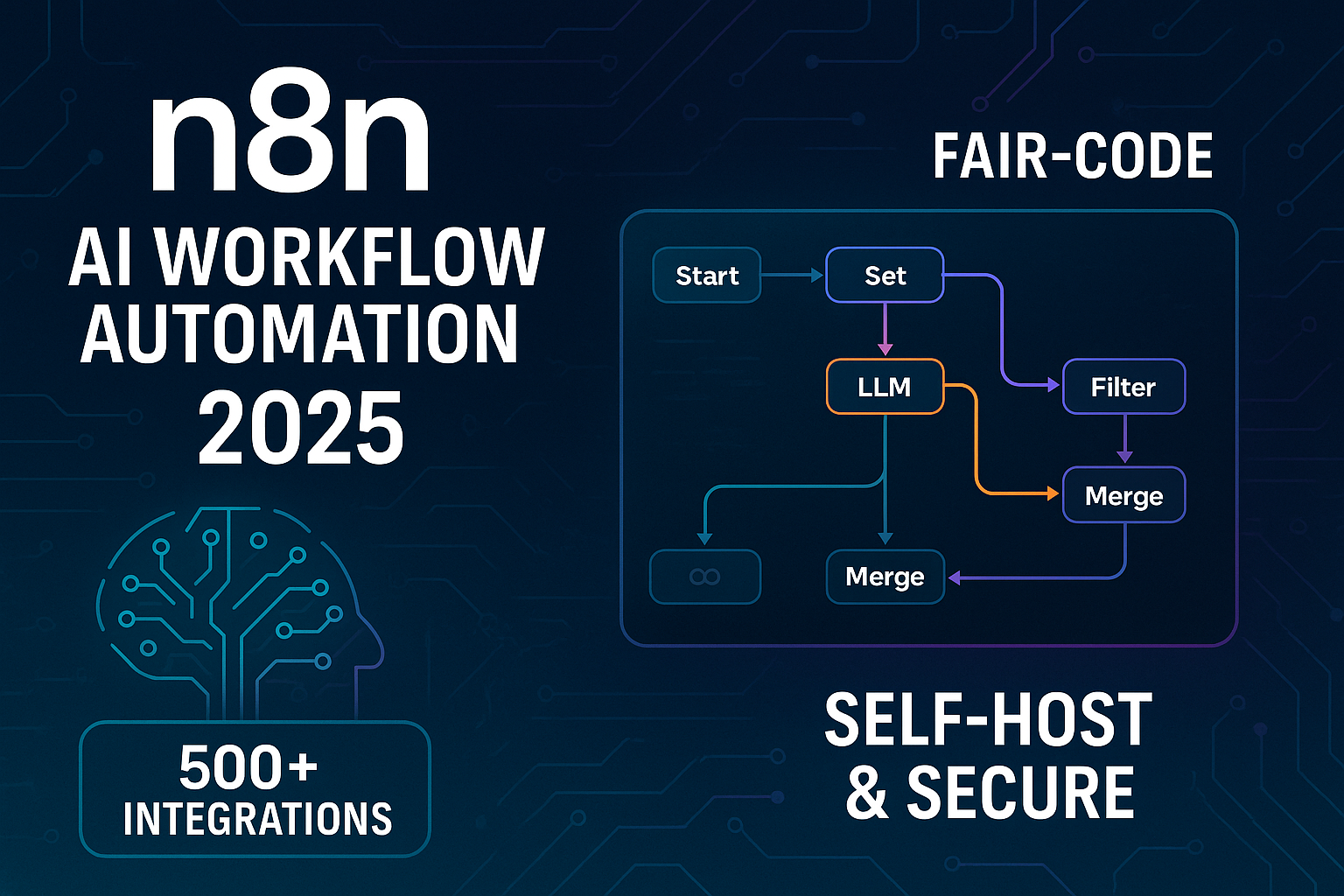
What n8n Actually Is
At its simplest: a canvas where you connect nodes. Something triggers – a webhook, a schedule, a new row, an incoming email – then data flows through a chain of steps that transform it, branch on it, or push it somewhere else.
Several hundred integrations ship built in. Anything not covered can be reached with a generic HTTP request node, which in practice means n8n can talk to any service with an API, whether or not anyone built a dedicated integration for it.
The part that separates it from the rest of the category is that you can drop into JavaScript or Python at any point in the flow. Not as an escape hatch of last resort, but as a normal node alongside the others.
It is also source-available under a fair-code licence, which means you can read it, run it on your own server, and audit exactly what it does with your data.
The Three Things That Make It Different
You can self-host it. This changes the economics and the compliance picture simultaneously. Workflows can reach internal databases, data never leaves your network, and cost scales with your server rather than your usage. Our self-hosting guide covers what that actually requires.
Code is a first-class citizen. Most no-code platforms treat custom logic as an admission of failure. n8n treats it as normal. That single design choice is why n8n workflows tend to stay comprehensible as they grow, rather than sprawling into fifteen steps of increasingly creative workarounds.
Executions are not metered per action. A workflow with forty steps counts as one execution. On per-task platforms, that same workflow costs forty times as much. The difference compounds enormously once AI agents enter the picture, because every tool call is another step.
The AI Side of the Platform
This is where n8n has moved fastest, and where most of the recent interest comes from.
The platform ships an AI Agent node that combines a language model, a memory backend, a set of tools and a system prompt. Rather than specifying every branch in advance, you give it a goal and let it decide which tools to call and in what order.
Models connect from all the major providers, and from local model servers if you would rather nothing left your infrastructure. Tools can be any node, any HTTP request, or – most usefully – an entire n8n sub-workflow wrapped as a callable tool.
That sub-workflow pattern is the reason n8n is a genuinely good agent platform rather than a chatbot with extra steps. You keep deterministic logic deterministic, and let the model decide only when to invoke it. We cover the practical patterns in detail in our guide to n8n AI agents.
Retrieval fits in here too. n8n connects to vector stores, so an agent can answer from your own documents rather than from training data – see our comparison of vector databases for RAG for what to put underneath, or RAGFlow if you want the retrieval layer handled for you.
n8n vs Zapier vs Make
| n8n | Zapier | Make | |
|---|---|---|---|
| Ease of first automation | Moderate | Easiest | Moderate |
| Integration count | Several hundred, plus any API | Largest catalogue | Large |
| Custom code | Built in, encouraged | Limited | Limited |
| Self-hosting | Yes | No | No |
| Billing unit | Per workflow execution | Per task | Per operation |
| Agent capability | Deep – custom tools, memory | Basic AI steps | Basic AI steps |
| Best for | Technical teams, complex logic | Non-technical, simple flows | Visual thinkers, mid-complexity |
The honest summary: Zapier is faster for a marketer who wants a form to populate a spreadsheet. n8n is better once workflows involve branching logic, data transformation, internal systems or AI agents. Make sits between them and is genuinely pleasant for visually complex scenarios.
Most teams that switch to n8n do so for one of two reasons – the bill on a per-task platform got uncomfortable, or they hit something the platform simply could not do.
Pricing and the Execution Model
Two routes. The cloud version is a subscription priced by executions. The community edition is free to self-host, with enterprise features like SSO and advanced permissions sitting behind a licence.
The execution model matters more than the headline price. Because n8n counts a whole workflow run as one execution regardless of how many steps it contains, complex automations are dramatically cheaper here than on per-task competitors. A twenty-step data pipeline that runs a thousand times a month is a thousand executions, not twenty thousand tasks.
Where costs do appear is AI usage, which is billed by your model provider rather than by n8n. An agent making several model calls per run adds up quickly, and it is worth logging token usage from the start.
Eight Workflows Worth Building First
Ordered roughly by how quickly they justify the setup time.
- Form to CRM with enrichment. Capture, look up the company, score, route. Replaces a genuinely tedious manual process.
- Scheduled report assembly. Pull from several sources, format, deliver every Monday morning.
- Inbox triage. Classify incoming mail, label it, draft replies for the predictable categories.
- Content distribution. One post becomes platform-specific versions everywhere – the approach in our social media automation guide.
- Document extraction. Invoices and receipts into structured rows, with anything uncertain sent to a review queue.
- Internal knowledge assistant. Retrieval over your documentation, answered in Slack with citations.
- Data synchronisation. Keep two systems aligned without paying for a dedicated integration tool.
- Monitoring and alerting. Watch things that matter, notify only when something actually changed.
Build one properly before building six. n8n makes it very easy to accumulate half-finished workflows that nobody trusts.
A Real Workflow, Node by Node
Abstract descriptions of automation platforms are hard to evaluate. Here is a concrete one – a lead handler, roughly fifteen minutes to build.
Trigger. A webhook node receives the form submission. The moment you activate it you get a URL to paste into your form tool, and test submissions appear immediately in the editor.
Validate. An IF node checks the email looks real and the message is not empty. Junk exits down the false branch and stops there. This step costs thirty seconds and prevents a surprising amount of downstream noise.
Enrich. An HTTP request node calls a company data API using the email domain. If the API has no dedicated integration it does not matter – you are making the request directly, with full control over headers and body.
Score. A code node applies your own rules. Company size, industry, whether the message mentions a budget. Five lines of JavaScript expressing logic that would take a dozen clicks to approximate in a purely visual builder.
Branch. A switch node routes on the score. High-value leads take one path, everything else another.
Act. The hot path posts to Slack with a summary and writes to the CRM. The cold path writes to the CRM and adds the contact to a nurture sequence.
Handle failure. An error workflow catches anything that throws and notifies you with the failing node and the input data. Without this the workflow fails silently and you find out from a customer.
Seven nodes, one execution per submission. The same automation on a per-task platform would bill each step separately, which is the difference that eventually pushes teams to switch.
Practices That Keep Workflows Maintainable
The problems that appear at three workflows are trivial. The problems that appear at forty are cultural, and they are worth heading off early.
Name things properly. The default node names describe the node type, not what it does in this context. “HTTP Request1” tells a colleague nothing six months later. Rename every node to describe its purpose – it takes seconds and it is the highest-return habit on this list.
Add sticky notes. The canvas supports annotations. Use them to record why a workflow exists, who owns it, and any non-obvious decision. Future you is a different person with no memory of this afternoon.
Split before it gets ugly. Anything past roughly thirty nodes should become a parent workflow calling sub-workflows. This is not only about readability – sub-workflows can be tested independently and reused.
Use a naming convention. Something like area, then trigger type, then purpose. When the list runs to fifty entries, alphabetical order should group related things together.
Separate staging from production. Testing changes against live systems is how automations send four hundred duplicate emails. A second instance, or at minimum separate credentials pointing at test environments, prevents an entire category of embarrassing incident.
Export to version control. Workflows are JSON. Committing them is imperfect but it gives you history, and history is what lets you answer “what changed on Tuesday” without guessing.
Review quarterly. Deactivate what nobody uses. Old workflows accumulate, consume resources and occasionally do something unwelcome long after everyone forgot they existed.
Write down who owns each one. Automation tends to become invisible infrastructure. When the person who built it leaves, an undocumented workflow becomes a small mystery that nobody wants to touch and nobody dares delete.
None of this is exciting. It is the difference between an automation setup that compounds in value and one that quietly becomes technical debt with a friendly visual interface.
The Learning Curve, Honestly
Day one is pleasant. Dragging nodes onto a canvas and connecting them is intuitive, and a first working automation takes under an hour.
Day three is where people struggle, and it is almost always the same thing: how data moves between nodes. n8n passes items through as structured data, and expressions reference fields from earlier steps. Until that model clicks, everything feels slightly mysterious.
The fastest way through is to add a node that does nothing but display the data at each stage, and actually look at it. Ten minutes of that teaches more than an hour of documentation.
After that it opens up quickly. Most people are productive within a week, and the ceiling is high enough that experienced users are still finding better patterns a year in.
Where It Frustrates People
Error handling takes deliberate effort. Workflows fail silently unless you configure error workflows. This should be the first thing you set up, and it is usually the last.
Version control is awkward. Workflows are JSON, so they can be exported and committed, but the experience is nothing like working with code in a repository.
Large data volumes need care. n8n holds items in memory during execution. Processing very large files without batching is the most common cause of crashes.
Integration depth varies. Popular services are well covered. Niche ones sometimes expose only part of their API, sending you to the HTTP node.
Complex workflows get visually messy. Past about thirty nodes, readability suffers. Split into sub-workflows before that point rather than after.
How to Get Started This Week
Start on the cloud trial rather than self-hosting. Infrastructure decisions before you know whether the tool suits you is effort in the wrong order.
Pick one task you do manually every week that takes fifteen minutes. Not the most impressive automation – the most annoying one. Build it end to end, including the error notification.
Run it for two weeks without adding anything. If it holds up, build a second. If you find yourself hitting execution limits or needing to reach internal systems, that is the point to consider self-hosting n8n rather than before.
The official documentation is good, and the public template library is the fastest way to learn the patterns – importing a template and taking it apart teaches more than building from scratch.
Who It Is Actually For
n8n suits you if at least one of these is true: you have hit a wall on a simpler platform, your automations need to reach systems inside your own network, your per-task bill has become uncomfortable, or you want to build AI agents with tools you define rather than tools a vendor chose.
It suits you less if you want three simple automations, have no appetite for occasional troubleshooting, and would rather never see structured data. That is not a criticism of you or of n8n – it is a mismatch, and picking the gentler tool is the correct decision in that case.
The clearest signal that you should switch is a specific frustration you can name. Vague dissatisfaction with your current tool usually survives the migration. A concrete blocker usually does not.
Frequently Asked Questions
Is n8n free?
The self-hosted community edition is free under a fair-code licence, which allows internal business use but restricts reselling n8n as a hosted service. The cloud version is a paid subscription.
Do I need to code?
No. Plenty of useful workflows contain no code at all. Knowing a little JavaScript raises your ceiling considerably, but it is not a prerequisite.
Is it a real Zapier replacement?
For technical teams, yes and usually an upgrade. For a non-technical user who wants three simple automations, Zapier remains the gentler option.
Can it run AI agents?
Yes, with dedicated agent nodes, memory backends and custom tools. It is one of the better platforms for this precisely because tools can be arbitrary sub-workflows.
How reliable is it in production?
Reliable when configured properly – error workflows, monitoring, adequate memory. The platform is stable; most production problems are configuration problems.
Cloud or self-hosted?
Cloud to learn and validate. Self-hosted when volume, cost or data residency makes it worthwhile, and only if someone will own the maintenance.
Final Thoughts
n8n occupies a specific position: more capable than the simple no-code tools, far less work than writing integrations yourself. That middle ground is where most real business automation actually lives, which is why the platform has grown the way it has.
It is not the right tool for everyone. If you want three straightforward automations and never want to see a JSON object, something simpler will make you happier.
But if you have ever abandoned an automation because the platform could not do the one thing you needed, n8n is worth a week of your attention. The escape hatch is the feature.
[…] If you would rather not assemble all of this yourself, a managed engine handles most of it out of the box, our write-up on RAGFlow in 2026 covers that route, and you can wire the results into an automation layer using n8n. […]