
This review is built from Cerebras’s published pricing and documentation plus third-party reviews and benchmarks rather than a formal test of our own. Speeds and prices are attributed with dates.
Cerebras inference is an API that runs open-weight models on Cerebras’s wafer-scale chips, each built from an entire silicon wafer rather than a small die. The result is speed that GPU clouds cannot match: AI Coolies reported 1,800 to 2,600 output tokens per second on Llama 3.1 8B, and gave Cerebras inference a speed score of 98 out of 100 in its 2026 review.
The honest verdict: if your product is held back by how long a model takes to answer, especially coding tools and agents that make many calls in a row, Cerebras inference is the fastest option available and is priced competitively. The weakness is the menu. Only a handful of models are offered at any time, and the product line is split across several paths. Use it where speed changes the experience and the model you need is available; keep another provider for everything else.
Table of Contents
- What Cerebras Inference Is
- How Wafer-Scale Chips Get Their Speed
- Cerebras Inference Speed
- Cerebras Inference Pricing
- The Cerebras Inference Model List
- Cerebras Inference for Agents and Coding
- A Worked Example
- Cost Control for Fast Agents
- Cerebras Inference Rate Limits and Tiers
- The Company After Its IPO
- Cerebras Inference Data and Privacy
- Cerebras Inference vs Groq and GPU Hosts
- Against Local Models
- Designing Around Cerebras Inference
- Choosing Between Speed Providers
- Enterprise Deployments and Custom Weights
- Who Should Use What
- FAQ
- Getting Started With Cerebras Inference
- Verdict
- Sources and Further Reading
What Cerebras Inference Is
ComputePrices described the product as a token-billed LLM API served on Cerebras’s own CS-3 systems rather than GPUs. The API is OpenAI-compatible; AI Coolies noted you only change the base URL and supply a Cerebras key, and existing code works.
Neura summarised the catalogue as high-speed inference for open-source models, with families such as Llama, Mistral, Qwen and GLM appearing over time. The company also sells hardware and enterprise deployments, so the public API is one part of a broader business.
How Wafer-Scale Chips Get Their Speed
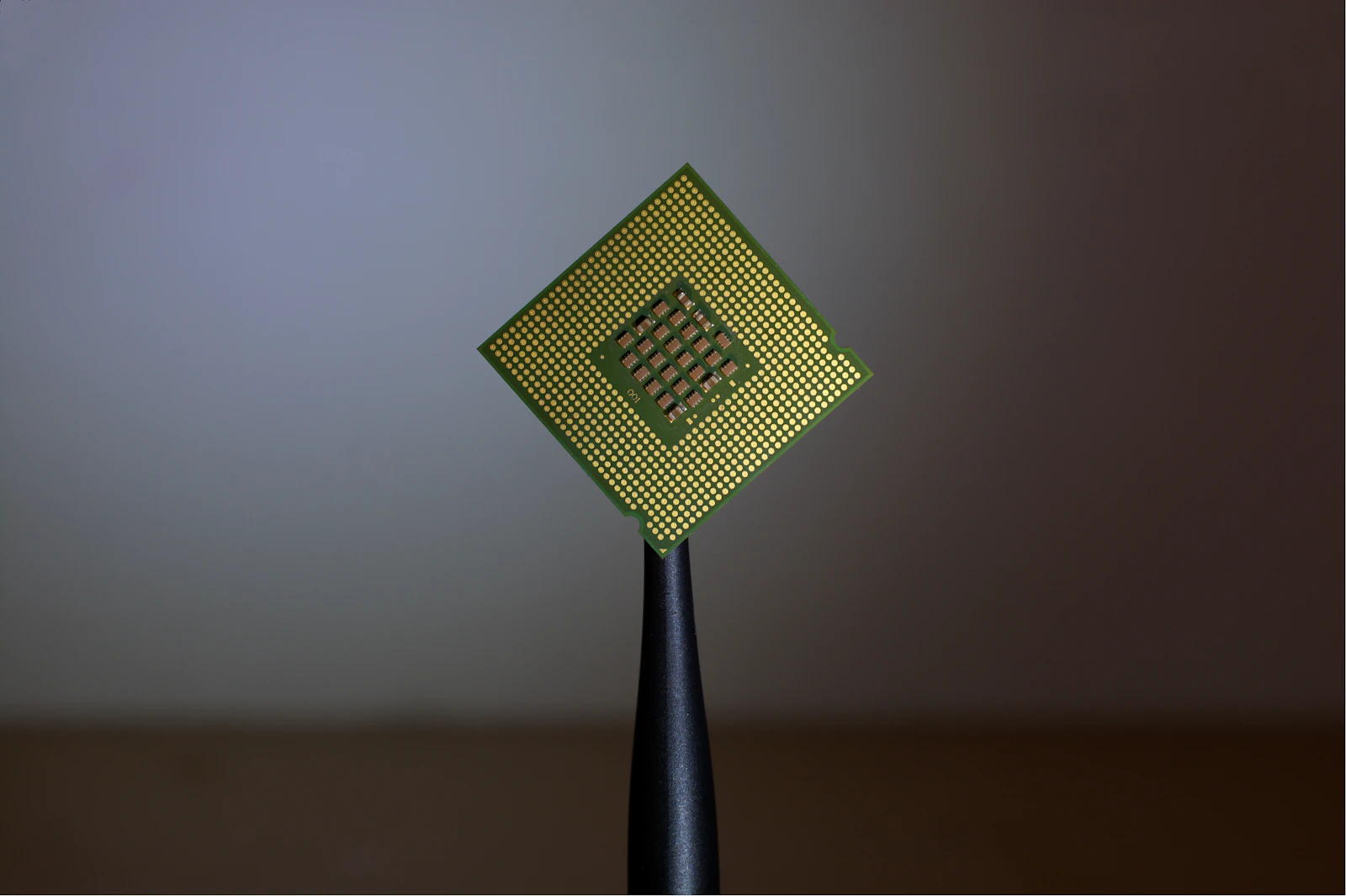
A GPU generating text spends most of its time reading model weights from external memory for each new token. A wafer-scale engine is a single chip the size of a dinner plate, with a huge amount of on-chip memory and bandwidth. AI Tools Atlas described the design as built to avoid the memory-bandwidth bottlenecks of conventional multi-GPU inference.
Keeping weights on chip removes the main limit on decode speed, which is why tokens stream out an order of magnitude faster than on GPUs. The trade-off is that large models must be spread across multiple systems, which affects which models are economical to serve.
Cerebras Inference Speed
| Measure | Reported figure | Source |
|---|---|---|
| Llama 3.1 8B output speed | 1,800 to 2,600 tok/s | AI Coolies |
| Developer tier headline | 1,500+ tok/s | AISO Tools |
| Platform claim | Up to 3,000 tok/s | Sacra |
| DeepSeek 671B class model | 981 tok/s claimed on CS-3 | Reported in Tenstorrent coverage |
For comparison, typical GPU hosts deliver around 50 to 150 tokens per second on mid-sized models, and Groq’s LPU reaches roughly 400 to 1,000. On the models both serve, Cerebras is usually the fastest public API. As the company’s own glossary points out, speed varies with model, prompt length, output length, concurrency, region and rate limits, so measure your own workload.
Cerebras Inference Pricing
Pricing is per token with separate input and output rates. Morph and ClaudeLog both described a one-time $5 starter credit, after which the Developer tier is pay as you go with no subscription. AISO Tools reported prices from $0.10 per million input tokens for smaller models, and CostBench listed a range of about $0.10 to $6 per million tokens across the catalogue.
That puts the service in the same price band as GPU hosts for comparable models, despite being many times faster. AISO Tools called the pricing competitive for a premium service, and that is fair. Enterprise plans add custom weights, dedicated capacity, SLAs and support.
The Cerebras Inference Model List
This is the main limitation. ChatForest counted roughly five models tracked by Artificial Analysis on the public API as of May 2026. The list changes as new open models are added and older ones retired.
A short list is fine if the model you need is on it. If your application depends on a specific fine-tuned or niche model, the public API will not serve it, though enterprise customers can arrange custom weights. Check the current catalogue before planning around the service.
Cerebras Inference for Agents and Coding
AI IDE List described the service as most attractive when agent or coding experience is bottlenecked by generation latency. An agent that makes twenty model calls to complete a task spends most of its time waiting for tokens on a GPU host. At thousands of tokens per second, the same task finishes in a fraction of the time.
That changes how tools feel. Code edits appear almost instantly, agents explore more options in the same time, and interactive workflows stop feeling like waiting for a build. For coding assistants and agent frameworks, this is the strongest case for the service.
AI IDE List also warned that usage-based spend needs monitoring in autonomous loops. Faster agents can also burn through tokens faster, so set budgets.
A Worked Example
Picture a coding agent that fixes a failing test. It reads the error, opens three files, proposes a change, runs the test and revises once. That is roughly eight model calls, each producing a few hundred tokens of reasoning and code, around 3,000 output tokens in total.
At 80 tokens per second on a typical GPU host, generation alone takes close to 40 seconds, before tool calls and prompt processing. At 2,000 tokens per second, it takes about a second and a half. The developer either waits most of a minute or barely notices the delay. Across a working day of dozens of such tasks, that difference changes whether people keep using the tool.
The token bill is similar either way, since prices are in the same band. The gain is time, which for a developer is the expensive resource.
Cost Control for Fast Agents
Speed has a side effect: agents can now spend money faster. A loop that would have made a hundred calls an hour on a slow host can make thousands on a fast one. If something goes wrong, such as a retry loop or an agent that keeps re-reading the same files, the bill grows at the same accelerated pace.
Three safeguards help. Set a hard spending limit per API key, and give each agent or environment its own key. Cap the number of steps an agent may take per task, with a clear failure message when it hits the cap. And log token use per task, so you notice when a change in prompts or tools suddenly doubles consumption.
Prompt design matters too. Long system prompts and tool descriptions are re-sent on every call. Keep them tight, and move rarely needed instructions into tools that the agent calls only when required.
Cerebras Inference Rate Limits and Tiers
Morph’s guide focused on actual rate limits by tier, which is where many users hit friction. The Developer tier has tokens-per-minute limits suited to development and moderate production. Higher limits, dedicated capacity and SLAs come with enterprise plans.
Plan for rate limits before launch: request increases, implement retries with backoff, and keep a fallback provider for overflow traffic.
The Company After Its IPO
Cerebras became a public company in 2026. Morph noted that its May 13 press release priced 30 million Class A shares at $185 each, trading on Nasdaq under CBRS. The company has also been expanding capacity; its website announced a 165 MW data centre in Mikkeli, Finland with Compute Nordic in September.
For API customers, a public company with growing data centre capacity is a reasonable sign of continuity. Wyse’s review still described the product line as fragmented across API, code and enterprise paths, so expect some navigation between offerings.
Cerebras Inference Data and Privacy
AI IDE List noted that prompts, outputs, API metadata and organisation usage pass through Cerebras Cloud, and advised reviewing retention, regional requirements and how agent tools may include sensitive context before production use. There is no self-hosted version of the public API.
For regulated data, discuss enterprise terms and regions with the company, or keep sensitive workloads on local models.
Reliability in Production
Speed only helps if requests succeed. Before launch, run a load test that mirrors your expected peak traffic, and watch for rate-limit responses, timeouts and slow outliers. Implement exponential backoff for retries, and set a sensible timeout after which your application switches to a fallback provider rather than leaving users waiting.
Monitor three numbers in production: error rate, p95 latency and cost per task. A sudden change in any of them usually signals a provider issue, a model change or a bug in your own prompts or tools. Alerts on those three cover most problems before users report them.
Cerebras Inference vs Groq and GPU Hosts
| Provider | Typical speed | Catalogue | Best for |
|---|---|---|---|
| Cerebras | 1,500 to 2,600+ tok/s on small models | Very short | Maximum speed |
| Groq | About 400 to 1,000 tok/s | Short | Fast and cheap |
| Together AI | GPU speeds | Hundreds of models | Breadth and fine-tuning |
| OpenRouter | Depends on host | Hundreds of models | One key, routing |
AISO Tools described Cerebras and Groq as the small group of inference specialists competing on speed rather than model breadth or managed services. If both serve your model, test both. If neither does, a GPU host is the answer.
Against Local Models
No local machine comes close to wafer-scale speed. Local models win on privacy, zero marginal cost and offline use. Many developers combine them: local models for private and routine work, a speed specialist for latency-critical features. Interfaces like Open WebUI and LibreChat make switching easy.
Designing Around Cerebras Inference
Speed this high changes design choices. Instead of one long, carefully planned call, you can afford several quick calls: draft, critique, revise. Agents can try multiple approaches and keep the best. Interfaces can show complete answers rather than streaming text.
It also shifts bottlenecks elsewhere. Network latency, tool execution and your own code become the slow parts. Profile the whole pipeline after switching, because the model may no longer be what users are waiting for.
Choosing Between Speed Providers
If both wafer-scale and LPU providers serve the model you need, run a short bake-off. Send the same set of fifty real prompts to each, from the region where your users are, and record time to first token, total response time, error rate and cost. Repeat at a busy time of day, because shared infrastructure behaves differently under load.
The fastest provider on paper does not always win. A slightly slower service with fewer rate-limit errors and better regional latency may deliver the better user experience. Price differences of a few cents per million tokens rarely matter compared with reliability.
Whatever you choose, keep the other as a fallback. With OpenAI-compatible APIs on both sides, switching is a configuration change, and a gateway such as OpenRouter can automate it.
Enterprise Deployments and Custom Weights
The public API covers a short list of popular models. Enterprise customers can go further, with custom or fine-tuned weights, dedicated capacity, contractual SLAs and support, according to AI IDE List. For a company whose product depends on a specific model running at extreme speed, that path removes the dependency on the public catalogue.
The company also sells systems for on-premises deployment, which suits organisations with strict data residency rules. Those are significant commitments with enterprise pricing, so they make sense only when speed is central to the business case.
For most developers, the public API is the right starting point. Prove the value of speed on a real feature first, then decide whether dedicated capacity is worth negotiating.
Keep expectations grounded, too. Very fast inference makes a good product feel better, but it does not fix a weak prompt, a poorly chosen model or unreliable tools. Get those right first on any provider, then add speed where users are actually waiting.
Who Should Use What
| If you are | Start with | Why | Link |
|---|---|---|---|
| Building coding tools or agents limited by latency | Cerebras | Thousands of tokens per second | Try it |
| Wanting fast and cheap with a few more models | Groq | Low prices, very fast | Try it |
| Needing breadth or fine-tuning | Together AI | Hundreds of models | Try it |
| Wanting one key and fallbacks | OpenRouter | Routes across hosts | Try it |
Frequently Asked Questions About Cerebras Inference
How fast is it?
About 1,800 to 2,600 output tokens per second on Llama 3.1 8B in published tests, with lower speeds on larger models.
How much does it cost?
Per token, from about $0.10 per million input tokens for smaller models, after a one-time $5 starter credit.
How many models does it offer?
A short list, around five tracked models in May 2026. Check the current catalogue.
Is it OpenAI-compatible?
Yes. Change the base URL and use a Cerebras API key.
Is it faster than Groq?
Usually, on models both serve. Groq offers lower prices on some models.
Can I self-host it?
Not the public API. Enterprise customers can arrange dedicated deployments.
Getting Started With Cerebras Inference
Create an account, claim the $5 starter credit and generate an API key. Point an OpenAI-compatible client at the Cerebras base URL and test the models on the current list.
Measure end-to-end latency in your real application, including tool calls and network time. Set a budget limit before giving an agent access, and keep a fallback provider configured.
For teams new to speed specialists, start small. Move one latency-sensitive feature, measure user behaviour before and after, and expand only if the numbers improve. Faster responses often raise engagement, but the effect varies by product, and data beats assumptions. A two-week trial on a single feature usually gives a clear answer about whether the switch is worth making more widely.
Verdict
Use Cerebras inference if response time is the bottleneck in your product, especially for coding assistants and multi-step agents. It is the fastest public API for the models it serves, and its prices are competitive with much slower GPU hosts.
The honest caveat is the short model list, tier rate limits and a product line that is still split across several paths. You will need another provider for models it does not serve.
Next step: if a model on the current list fits your task, swap it into your slowest workflow and measure the difference. If the speed changes how the product feels, build around it, with a fallback provider ready.
Sources and Further Reading
- AI Coolies: Cerebras review, for speed scores and API compatibility.
- Morph: Cerebras pricing and rate limits, for tiers and the IPO.
- ChatForest: wafer-scale inference, for hardware and the model catalogue.
- AI IDE List: Cerebras inference, for agent use and data handling.
- Wyse: Cerebras review, for the product line assessment.
On this site: compare speed specialists in our Groq review, see broad providers in Together AI and AI inference API providers, and route between them with OpenRouter.