
This review is built from Tenstorrent’s published specifications and pricing, plus third-party coverage and community benchmarks, rather than hands-on use. Figures are attributed in the text.
The Tenstorrent Blackhole p150 is the most interesting AI accelerator you can buy as an individual. It comes from Jim Keller’s company, uses RISC-V cores throughout, ships with a fully open-source software stack, and costs $1,399 for 32GB of memory. Cards can be linked directly to each other over Ethernet, so the same chip that sits in your desktop also scales to racks of hundreds.
The honest verdict is that the Blackhole p150 is a developer’s card, not a home inference card. RunAIHome’s assessment matches most coverage: more memory than a used RTX 3090 at lower power, but roughly half the bandwidth and a much younger software stack, so the 3090 still wins on tokens per second and ecosystem for pure local LLM use. Buy one if you want to learn, build on, or contribute to the Tenstorrent stack. Do not buy one to run Ollama faster.
Table of Contents
- What the Blackhole p150 Offers
- The 2026 Blackhole p150 Firmware Cut
- How Tenstorrent Differs From a GPU
- Blackhole p150 Software in Late 2026
- Blackhole p150 Performance
- Blackhole p150 vs RTX 3090 and R9700
- What One Blackhole p150 Is Good For
- Blackhole p150 Power and Running Costs
- QuietBox 2 and Multi-Card Systems
- Why the Galaxy Numbers Matter to You
- Company and Ecosystem Risk
- Who Should Buy What
- FAQ
- Setting Up a Blackhole p150
- Verdict
- Sources and Further Reading
What the Blackhole p150 Offers
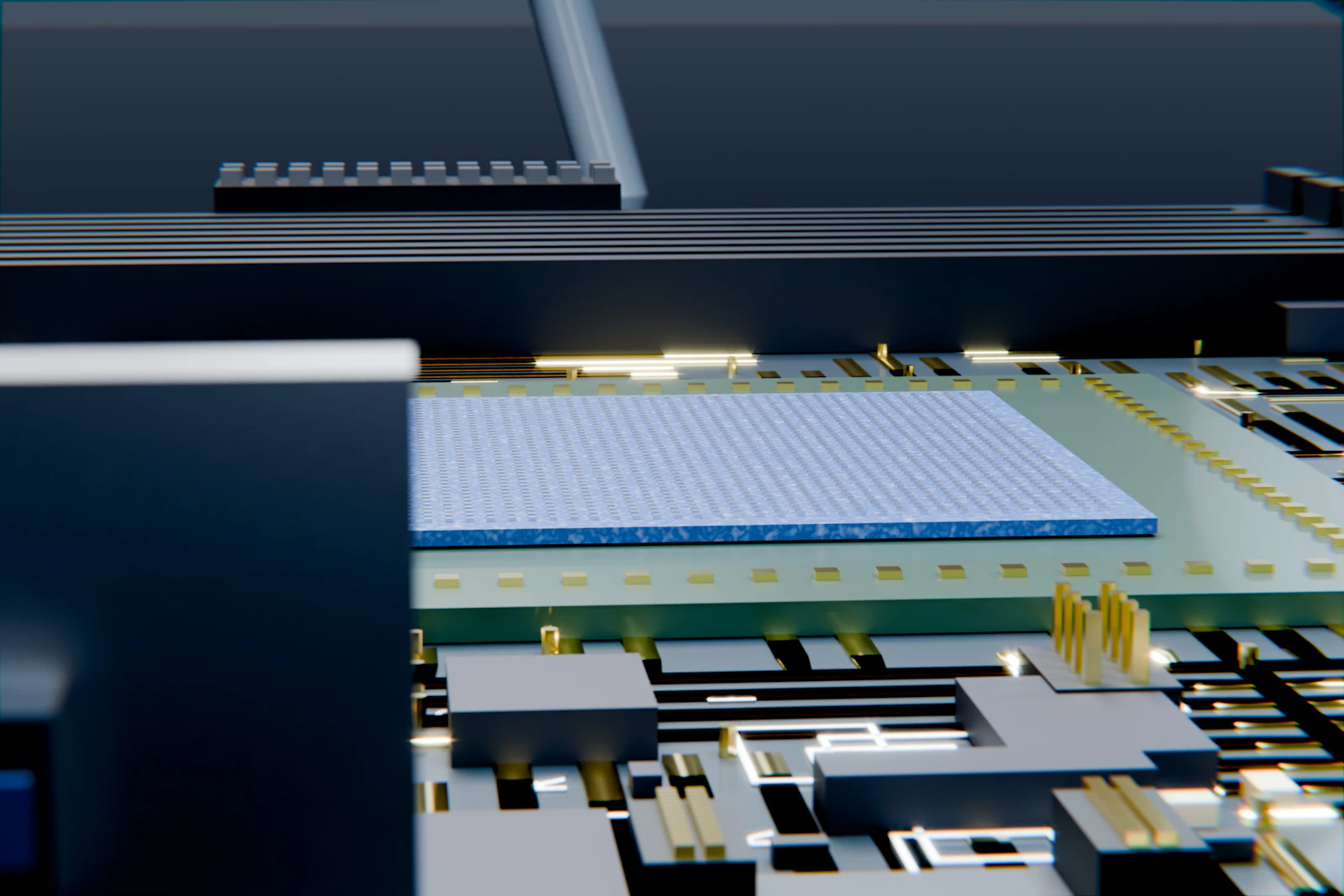
Blackhole is Tenstorrent’s third generation of AI silicon, after Grayskull and Wormhole. It moved to a 6nm process and added general-purpose RISC-V CPU cores alongside the Tensix compute cores that do the AI work.
| Specification | Blackhole p150 | Blackhole p100a |
|---|---|---|
| Memory | 32GB GDDR6 | 28GB GDDR6 |
| Memory bandwidth | 512 GB/s | Lower than p150 |
| Card-to-card links | High-speed Ethernet ports | None |
| Board power | Up to 300W | Up to 300W |
| Price | $1,399 | $999 |
GPU.net’s overview lists the p100 at $999 and the p150 at $1,399. The p150’s key extra is its Ethernet ports, which let you chain cards together without a switch and build multi-card systems that behave like one large accelerator. That is the feature that sets Tenstorrent apart from consumer GPUs.
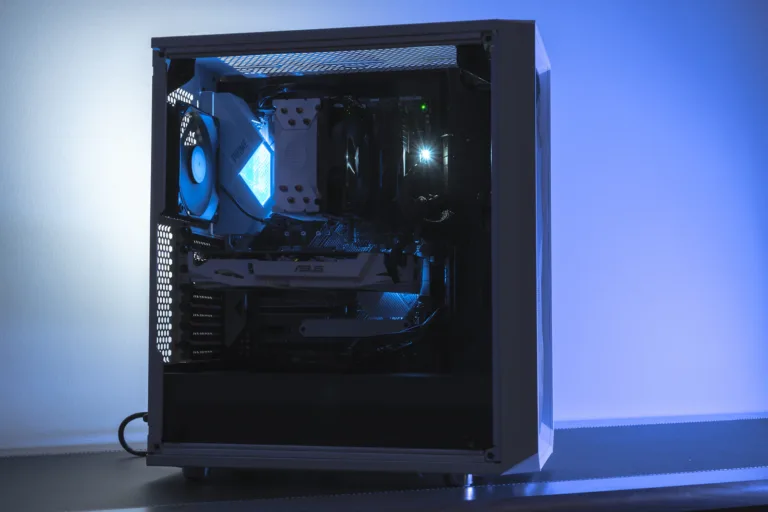
The cards come with passive, active and liquid-cooled variants. Check which one you are buying: passive cards need a server chassis with strong front-to-back airflow and will overheat in a normal desktop case.
The 2026 Blackhole p150 Firmware Cut
One detail every buyer should know. GPU.net reported that in February 2026, Tenstorrent issued firmware v19.5.0, which reduced the published Tensix core count on p150 cards from 140 to 120 and on-chip SRAM from 210MB to 180MB. Profesional Review covered the same change, with peak compute falling to 664 TFLOPS.
Tenstorrent framed it as a specification adjustment. For owners, it meant the card they bought had less peak compute after the update than at purchase. In practice, LLM decoding is limited by memory bandwidth rather than core count, so the real-world effect on generation speed is small. It still matters as a signal about how a young company manages its products, and it is worth knowing before you compare headline figures from different dates.
How Tenstorrent Differs From a GPU
A GPU is a large pool of cores that share a memory hierarchy and are programmed through a single vendor’s toolkit. Tenstorrent’s design is a grid of Tensix cores, each with its own small memory and its own RISC-V controllers, passing data to neighbours over an on-chip network. The same idea extends off the chip: cards talk to other cards over Ethernet as if they were more cores on the grid.
That approach is elegant and scales well, which is why Tenstorrent’s rack-scale results look strong. It also means software has to be written specifically for it. Existing CUDA code does not run. Models must be ported to Tenstorrent’s TT-Metalium and TT-NN libraries, or served through its own vLLM integration.
The trade is clear: openness and scaling in exchange for a much smaller software ecosystem.
There is a practical upside to the grid design that is easy to miss. Because each core has its own local memory, carefully written kernels can keep data on the chip and avoid trips to GDDR6 for intermediate results. That is part of why Tenstorrent can publish strong numbers for batched workloads despite modest memory bandwidth. It also explains why performance depends so heavily on how well a given model has been ported: a model that has had engineering attention runs very differently from one that has only just been brought up. When you read a Blackhole p150 benchmark, check which release of the software produced it.
Blackhole p150 Software in Late 2026
Everything Tenstorrent ships is open source, from the low-level TT-Metalium framework to its inference server. You can read, modify and contribute to the whole stack, which no GPU vendor offers.
The catch is coverage. RunAIHome noted that as of early 2026, most verified model support and documentation targeted the older Wormhole n150 and n300 cards, with Blackhole earlier in its cycle. Community benchmarks it cited suggested Blackhole reached 40 to 60% of its theoretical compute on real LLM workloads, against 60 to 80% for NVIDIA cards with mature kernels.
Specific features arrive later than on GPUs. SpecPicks reported that Tenstorrent’s Flash Attention port, merged in February 2026, was functional but around 40 to 50% slower on first-token latency than the mature CUDA version on an RTX 5090. The Register heard from Tenstorrent that the stack had improved considerably since its first hands-on test, which is fair, but improving from a low base is still not the same as being finished.
Popular tools like Ollama and LM Studio do not support Tenstorrent hardware in the way they support NVIDIA, AMD and Apple. You will be working with Tenstorrent’s own tools.
Blackhole p150 Performance
Independent single-card benchmarks on popular models are thin, which is itself telling. Most published numbers come from Tenstorrent or from multi-card systems.
The simplest way to reason about single-user speed is bandwidth. At 512 GB/s, the Blackhole p150 has a bit over half the bandwidth of an RTX 3090 and less than the AMD Radeon AI PRO R9700. For a single user generating text from a dense model, that puts a ceiling on tokens per second below both cards, before any software inefficiency.
For comparison, SpecPicks quoted roughly 70 to 80 tokens per second for an RTX 5090 on Qwen3.6-27B at Q4 in llama.cpp. A single Blackhole card cannot approach that on the same model. Where Tenstorrent’s numbers look strong is batched serving across many cards, the workload its architecture was designed for.
Tenstorrent’s own tt-metal repository publishes a performance table for its supported models, with tokens per second per user and total throughput by batch size. If you are evaluating the card for a specific model, that table and its release notes are the most reliable place to start.
Blackhole p150 vs RTX 3090 and R9700
| Card | Memory | Bandwidth | Price | Software |
|---|---|---|---|---|
| Tenstorrent Blackhole p150 | 32GB | 512 GB/s | $1,399 | Open source, Tenstorrent-specific |
| Used RTX 3090 | 24GB | 936 GB/s | About $1,000 to $1,400 | CUDA, everything |
| AMD Radeon AI PRO R9700 | 32GB | 640 GB/s | About $1,400 to $1,900 | ROCm, most inference tools |
For a home user who wants to run models, the 3090 wins on speed and software, and the R9700 wins on capacity with broad tool support. The p150 wins only on openness and on its ability to link cards directly. If those two things matter to you, nothing else offers them at this price. If they do not, buy a GPU.
What One Blackhole p150 Is Good For
If you buy a single card, be clear about what you will do with it. Three uses make sense.
The first is learning the stack. Tenstorrent’s programming model is different from CUDA, and the only way to get good at it is to write code for real hardware. A p150 on your desk is cheaper than renting cloud time on Tenstorrent systems for months, and you can break things without a bill.
The second is porting and optimising models. Tenstorrent’s model coverage grows through contributions, many from outside the company. If you want a specific open model to run well on the platform, a single card is enough to bring it up, profile it and submit improvements. That is how a young ecosystem grows, and the work is visible on a public repository.
The third is prototyping a product. If your company is considering Tenstorrent hardware for an inference service, one Blackhole p150 lets you validate the software path for your models before committing to a QuietBox or a Galaxy server. Because the code scales, the prototype is not throwaway.
What a single card is not good for is daily use as a personal assistant. You will spend more time on the tools than with the model.
Blackhole p150 Power and Running Costs
The card is rated up to 300W, similar to the AMD R9700 and below an RTX 3090 under full load. RunAIHome noted lower power than a 3090 as one of the Tenstorrent cards’ advantages, and for an always-on development box that adds up over a year.
Plan the rest of the system accordingly. A quality 850W power supply is enough for one card in a normal desktop. For two or more, size up, and check that the case can move the heat. Our power supply guide covers the details.
Remember that your time is the largest running cost. Budget it honestly when you compare the Blackhole p150 with a GPU that runs your models on day one.
QuietBox 2 and Multi-Card Systems
Tenstorrent also sells complete workstations. The original QuietBox, which The Register reviewed in November 2025, cost $11,999 with four p150 cards and a 16-core AMD EPYC CPU. The Machine Herald reported that QuietBox 2, announced in March 2026 at $9,999, is liquid-cooled, carries four Blackhole chips with 480 Tensix cores, and ships with the full open-source stack.
Tenstorrent says QuietBox 2 runs Llama 3.1 70B at 476.5 tokens per second and can run GPT-OSS 120B entirely on the device. StorageReview repeated the figure. Treat it carefully: that is a vendor number, very likely aggregate throughput across a batch of requests rather than what one person sees typing into a chat window.
SpecPicks reviewed QuietBox 2 against an RTX 5090 and concluded that for most LLM tinkerers it is not worth it yet. For a small team that wants an on-premises inference box built on an open stack, the calculation is different, and four linked chips with 128GB of memory are a serious system.
Why the Galaxy Numbers Matter to You
Tenstorrent made its Galaxy Blackhole servers generally available on April 28, 2026. Its announcement claimed DeepSeek-R1 671B at over 350 tokens per second per user on 16 Galaxy servers with 512 chips, with first-token latency under four seconds on a 100K context. A base four-Galaxy supercluster starts at $440,000.
Those numbers will never run on your desk. They matter for another reason: the Blackhole p150 uses the same chip and the same open software as those systems. Code you write and optimise on one card runs on a rack. For engineers who want to build skills or products on a non-NVIDIA stack, that continuity is the real reason to buy a single card.
The Register made a sensible point about the headline figure: 350 tokens per second for one user is less impressive than sustaining that across 32 or 64 users at once. Rack-scale results always need reading in context.
Company and Ecosystem Risk
Buying hardware from a young company carries risks that buying from NVIDIA does not. The February firmware change showed that specifications can shift after purchase. Support for your model depends on Tenstorrent’s priorities. And the company’s future shape is not settled: RunAIHome has covered a reported Qualcomm bid for Tenstorrent, which, if anything comes of it, could change the roadmap in either direction.
The open-source stack is the main protection here. Even if company priorities change, the code that runs your card stays available. That is more than you get from any closed accelerator.
Who Should Buy What
| If you are | Start with | Why | Link |
|---|---|---|---|
| An engineer building on an open, non-NVIDIA stack | Tenstorrent Blackhole p150 | Open source, scales to racks | Check price |
| A small team wanting an on-premises open inference box | Tenstorrent QuietBox 2 | Four linked chips, 128GB | Check price |
| Wanting fast local LLMs at home | Used RTX 3090 | Faster, CUDA, every tool | Check price |
| Needing 32GB with broad tool support | Radeon AI PRO R9700 | Ollama, llama.cpp, PyTorch | Check price |
Frequently Asked Questions About the Blackhole p150
Is the Blackhole p150 good for local LLMs?
Not for most home users. It has 32GB but about half an RTX 3090’s bandwidth and a younger software stack, so a 3090 is faster and easier.
How much does it cost?
$1,399 for the p150 and $999 for the p100a. QuietBox 2 with four chips costs $9,999.
Does it work with Ollama or LM Studio?
Not in the way GPUs do. You use Tenstorrent’s own open-source stack and its vLLM integration.
What was the firmware change?
February 2026 firmware cut the published Tensix core count from 140 to 120 and SRAM from 210MB to 180MB.
Why would anyone buy one?
To build on an open, scalable AI stack that runs the same code from one card to a rack, without depending on NVIDIA.
Can I link several cards?
Yes. The p150’s Ethernet ports connect cards directly, which is its main advantage over the cheaper p100a.
Setting Up a Blackhole p150
Use a supported Ubuntu release and follow Tenstorrent’s installation guide for drivers, firmware and the TT-Metalium stack. Make sure your firmware version matches what the software release expects; mismatches cause most early problems.
Choose the right cooling variant for your case. Passive cards belong in servers. For a desktop, buy an active or liquid-cooled card.
Start with a model from Tenstorrent’s supported list and its published configuration before trying anything else. Once that runs, move to your own workloads.
Verdict
Buy the Tenstorrent Blackhole p150 if you are a developer or a team that wants to build on an open, scalable alternative to NVIDIA, and you value reading and changing every layer of the software. Nothing else offers that at $1,399.
The honest caveat is that it is the wrong card for running local models quickly at home. A used RTX 3090 is faster and runs every tool, the software still trails GPUs, independent single-card benchmarks are scarce, and the February firmware cut showed that specs can move after purchase.
Next step: open Tenstorrent’s tt-metal model table and check whether the models you care about are listed for Blackhole. If they are and you want to build on the stack, buy one card and start there. If not, buy a GPU now and revisit Tenstorrent next year.
Sources and Further Reading
- Tenstorrent tt-metal README, for supported models and official performance tables.
- GPU.net: inside Tenstorrent’s chips, for the firmware change and specifications.
- SpecPicks: QuietBox 2 vs RTX 5090, for the tinkerer verdict and software gaps.
- The Register: Galaxy Blackhole availability, for rack-scale claims in context.
- StorageReview: QuietBox 2, for the desktop system figures.
On this site: compare GPUs in our best GPU for local AI guide, see the 32GB AMD option in the R9700 review, consider the Intel alternative in our Arc Pro B70 review, and plan a server with the home AI server build.